A=
B>6:$($.6A%
04;++6#$'I01E
0F57
$'I01E/
3
='>3$I01E/='>
'A3$I01E/'A
K'=@3$I01E/K'=@
=G'=B3$I01E/=G'=B
0F57#$'I01E%3
B>6:B->0&!&&+
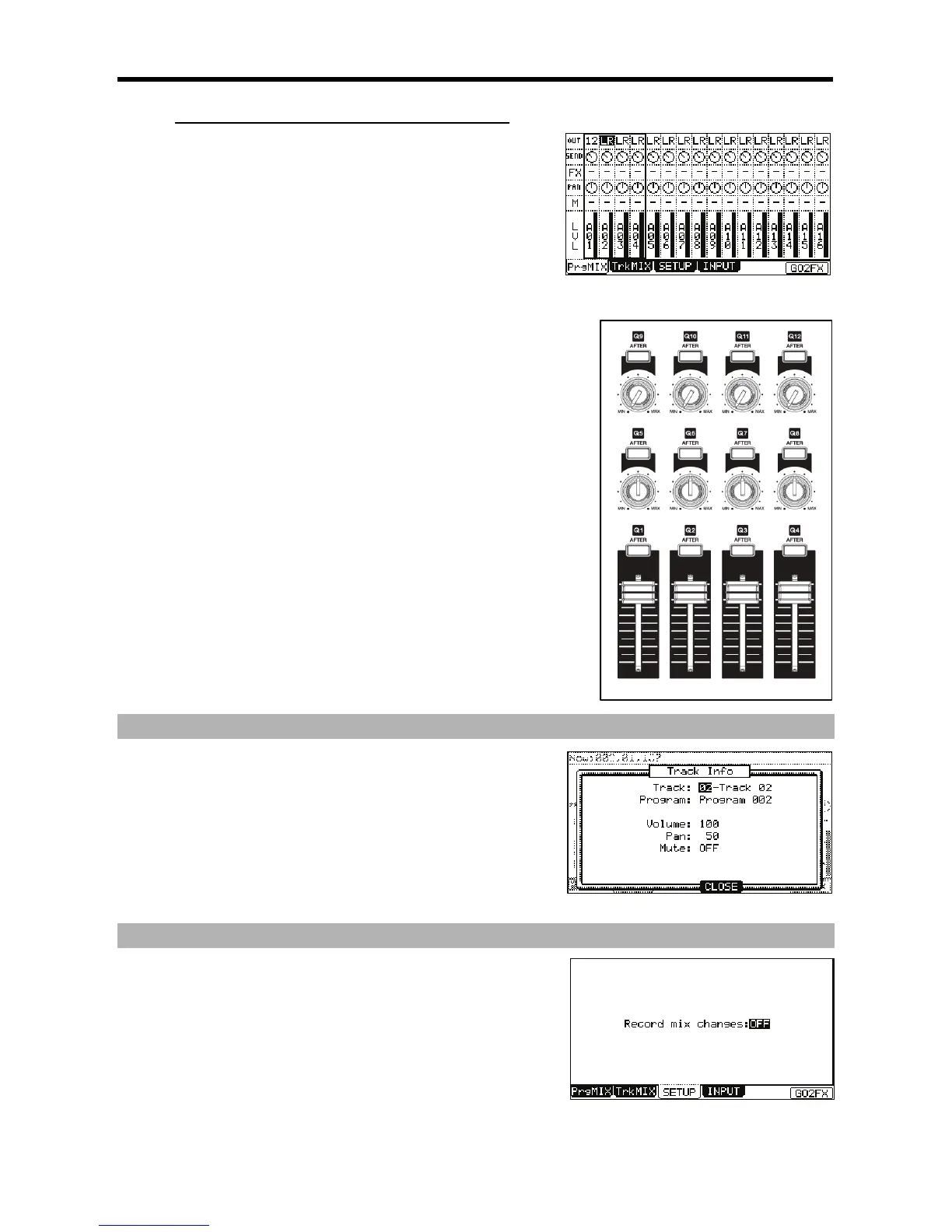
These buttons correspond to the OUT setting for the OUT row. Pressing this
button repeatedly will toggle through each OUT setting for the selected column.
B>6:B->0:!+
These knobs correspond to the FX SEND setting for the SEND row.
B>6:B >,&!&&+
These buttons correspond to the FX setting for the FX row. Pressing this
button repeatedly will toggle through each FX bus for the selected column.
B>6:B >,:!+
These knobs correspond to the PAN setting for the PAN row.
B>6:B>2&!&&+
These buttons correspond to the MUTE setting for the MUTE row. Pressing
this button repeatedly will toggle the MUTE setting on or off. Holding the
[SHIFT] button while pressing one of these buttons will solo the selected track.
B>6:B>2+65+
These sliders correspond to the LEVEL setting for the LVL row.
D;
5%
% , #
401;&6
D#%
.+
I%
"
= 00F57#4-G6)/5:*
The SETUP page will be displayed.
@ 0,7.3,#J5/4;++6
If you set this field to YES and change the LEVEL, SEND, MUTE, or PAN in the
PrgMix page during the sequence is recording, the changed data will be recorded
into the sequence. Track Mix levels will also be recorded. The sequence will be





 To Next Page