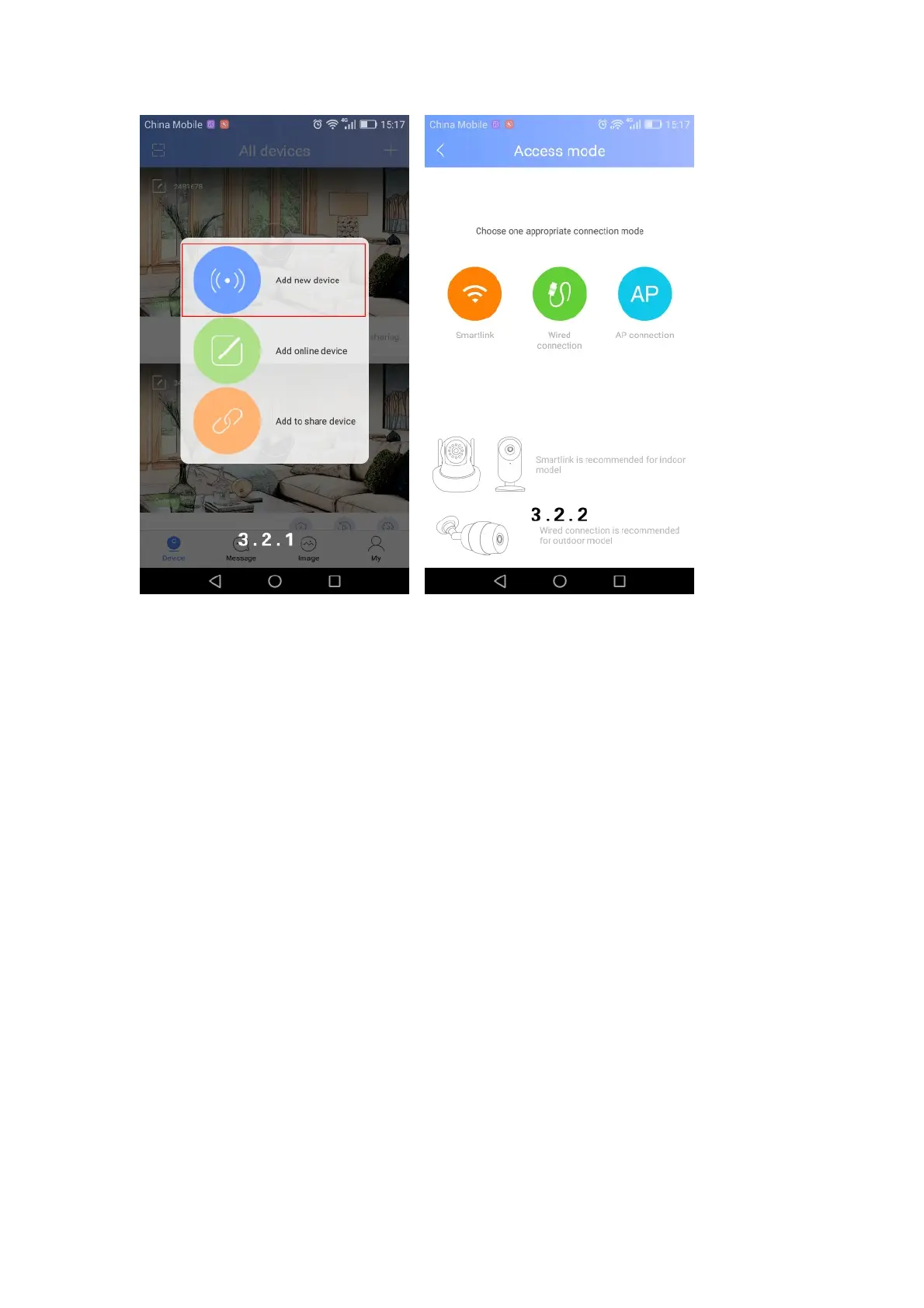
Device needs to be back to initialized status by pressing the “reset” button for 5 seconds when
adding new devices.
Two ways for adding device: one is via Wi-Fi, the other is via wire. Wi-Fi adding can be divided
into smart link and AP connection.
l Smart link
Select smart link→follow the instructions→input default password (see pic 3.3.2) after
camera connecting with Wi-Fi →save.
If this is your first time to add this camera, you are the owner of it after adding. You can click
on the “share “button on the right upper corner (see pic 3.3.4) and share to your friends.



 To Next Page