Door Control Unit User Manual
Updated until firmware 404p - 18 -
AKCess Pro Server / Access Control – Adding your DCU
After first downloading and installation the latest version of the AKCess Pro Server
software you can then add your DCU. Please refer to the AKCess Pro Server User
Manual for specific instructions on installing the server software.
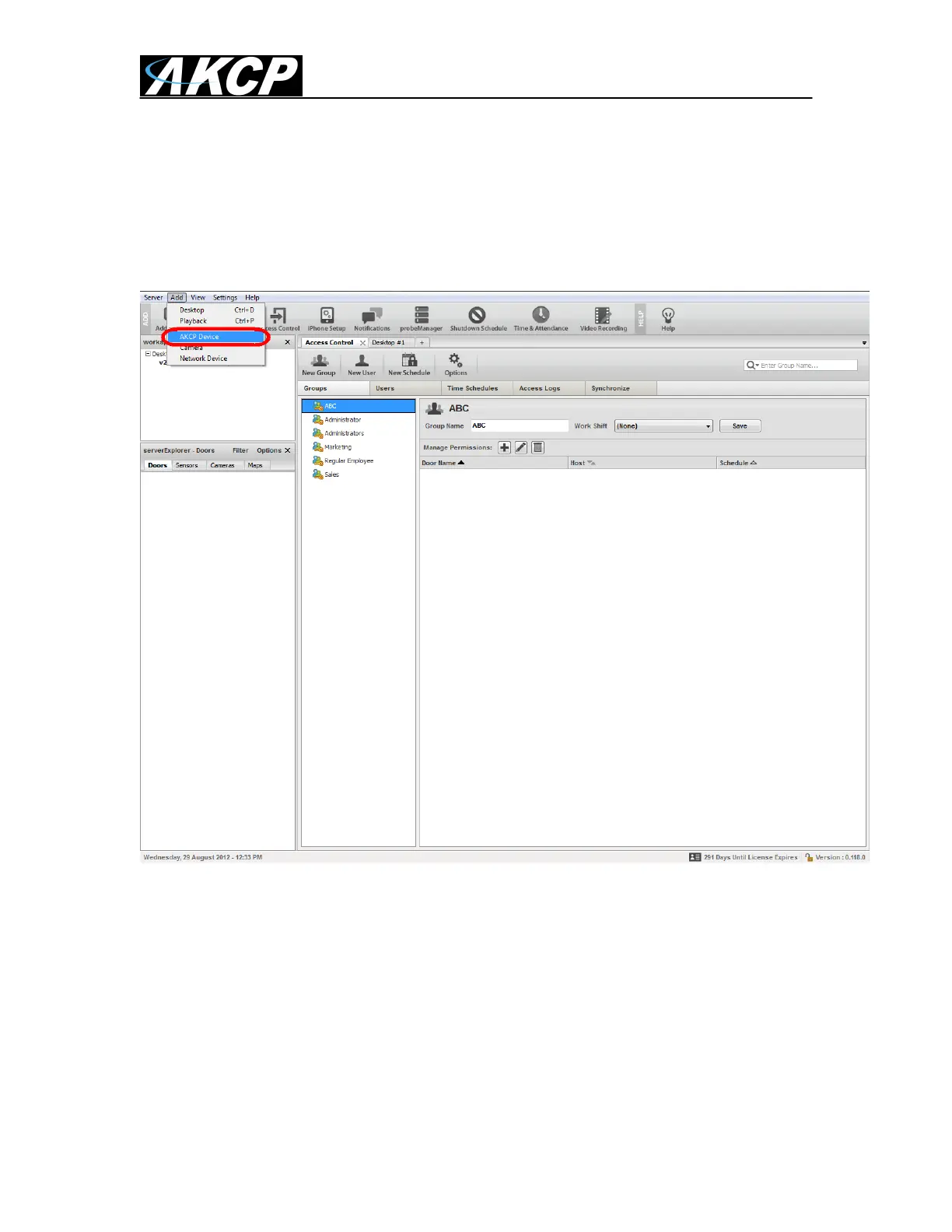
We will begin by going to the Add menu then choosing the AKCP Device. This will open
up the Add Device dialog box on the next page.



 To Next Page