Door Control Unit User Manual
Updated until firmware 404p - 20 -
If you receive the error message shown in the above screen shot check the
following:
1. Make sure the base unit is upgraded to the latest firmware on our web site. Your
firmware version should not be older than version 404p. You can check this in your
units web interface >> Settings >> General >> System Description.
2. Check the Administrator password in your web interface settings on the base unit >>
Settings >> System Administrator >> User & Group Management.
3. Check the SNMP community strings on the base unit >> Settings >> Connectivity >>
SNMP
4. Check to make sure the SNMP port is set to the correct number. Check Advanced
Options on the software side and make sure they match up with the setting on the
base unit side >> Settings >> Connectivity >> SNMP >> SNMP port.
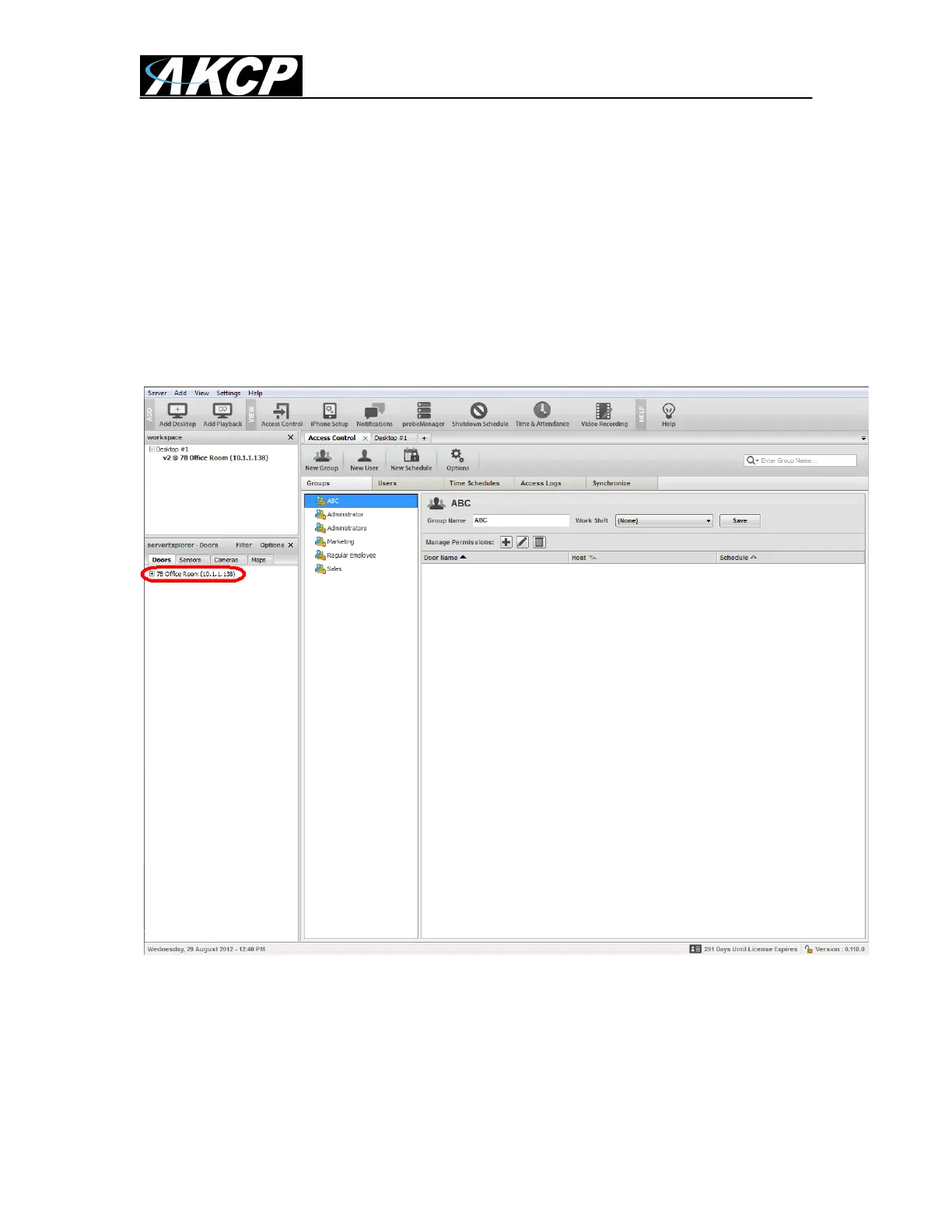
After you click on the Add button you will now see the DCU unit has been added
into the “serverExlorer” in the left hand column of the AKCess Pro Server as
shown in the screen shot above.


 To Next Page
 Loading...