Door Control Unit User Manual
Updated until firmware 404p - 21 -
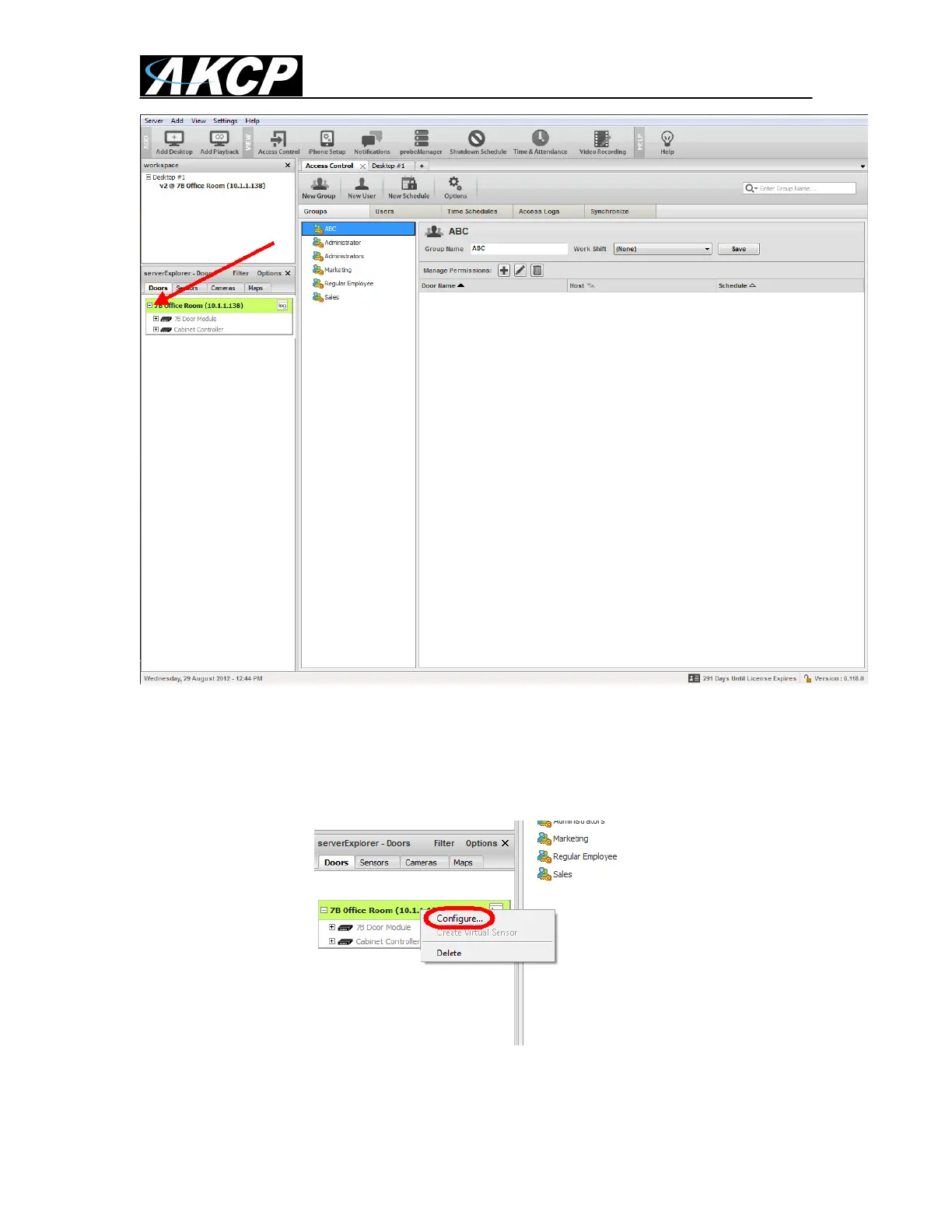
By clicking on the expand or the + icon in the serverExlorer we can now see our DCU
unit and that the unit is online and connected successfully to our server. If there was a
problem with the connection the color would be showing Red.
If we again click on the expand or the + icon on the Door Control Unit, then we can view
the DCU‟s that are connected to our base unit.
If we right mouse click on our DCU we can configure the following setting;



 To Next Page