SP2+ Email Setup Manual
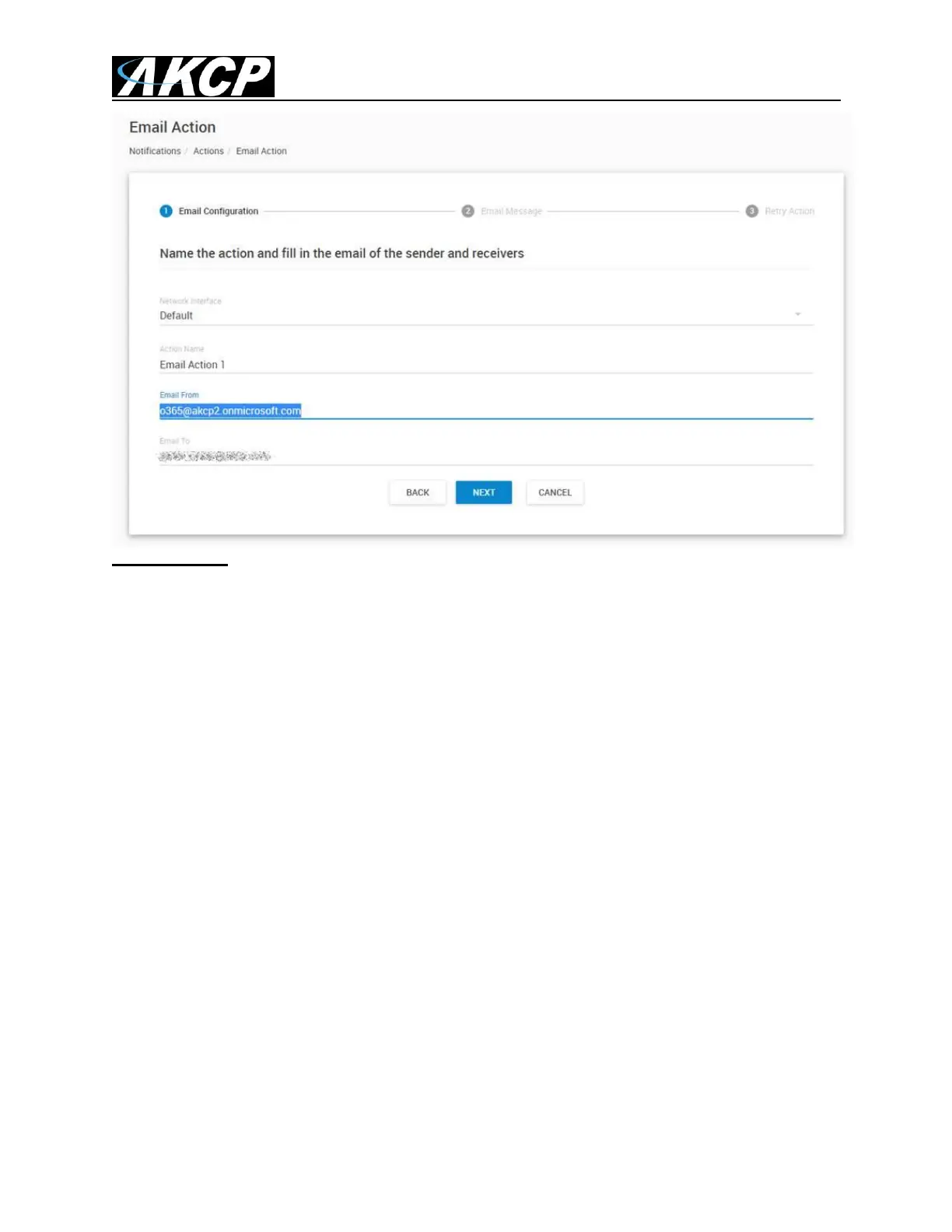
Very important: the “Mail from” parameter must match the same as the SMTP login parameter in the
settings.
The mail servers are strict about the "mail from" parameter for antispam methods, and it cannot be
different than the email login setting.
Please also check our SP+ Knowledge Base using this link:
https://www.akcp.com/knowledge-base/sensorprobe-plus-series-knowledge-base/
Email Troubleshooting
A. Check with your local system administrator to ensure all the settings you have entered into the
email alert settings on the unit are correct and you can ping your SMTP server.
B. Ensure your unit(s) is running the latest version of firmware that is on our website support portal.
C. Check the SP+ units Notification manuals for more details on the settings etc.
D. The maximum email addresses that can be added to the email action is 10.
E. Check your network & the DNS settings in the SP+ units web UI. This might be incorrect, then the
unit cannot resolve the name of the server.
F. Try using the IP address of the SMTP server after making sure you can ping it from the same
network the unit is configured on.



 To Next Page