EasyManua.ls Logo

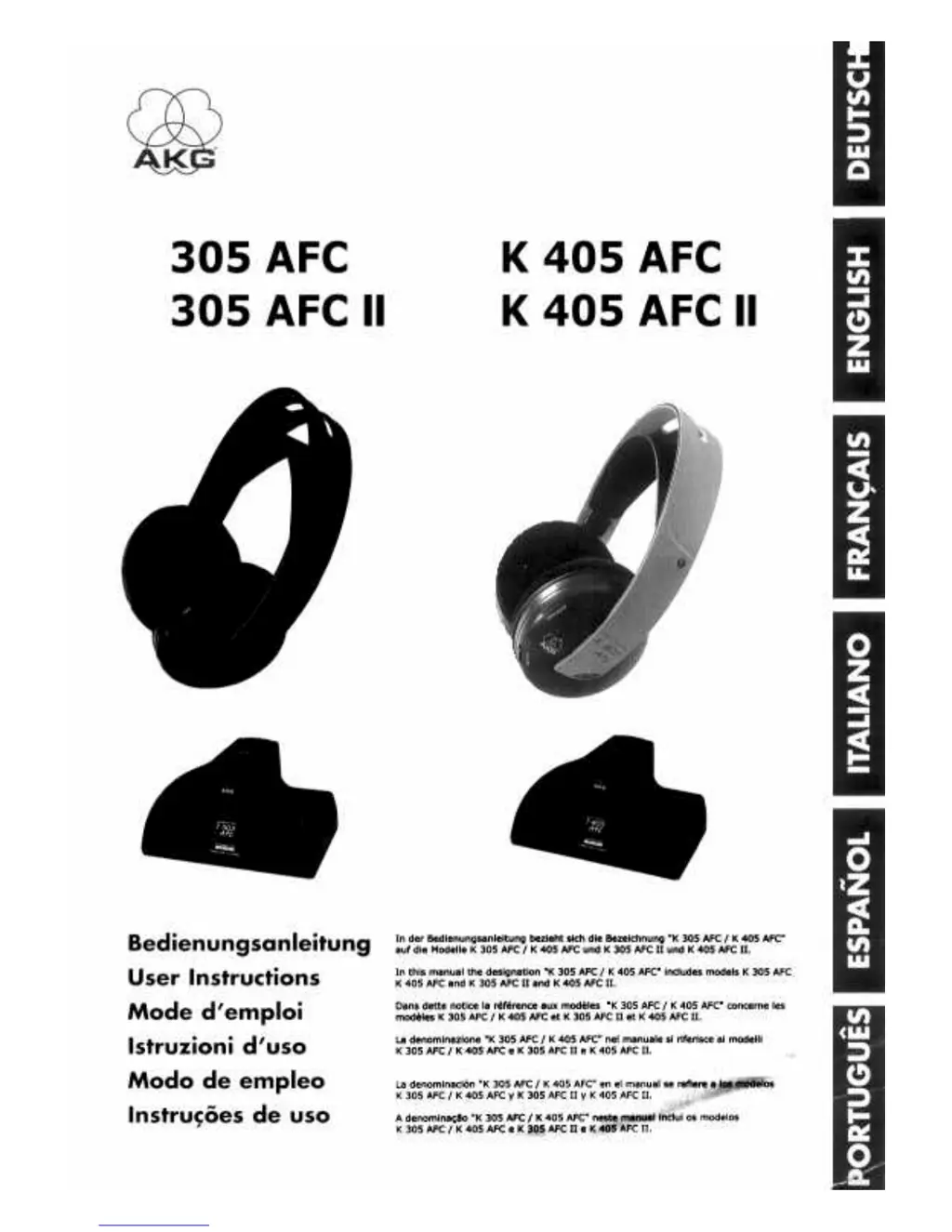
AKG K 305 AFC II - User Manual

AKG K 305 AFC II
30 pages
Go to English
Print Icon
To Next Page IconTo Next Page
Loading...

Questions and Answers

  • D
    David MooreJul 30, 2025
    How to fix no sound on AKG Headphones?
    • U
      udonovanJul 30, 2025
      If your AKG Headphones have no sound, several factors could be at play. First, check if the AC adapter is properly connected to both the transmitter and the AC outlet. Ensure the transmitter is connected to the audio source and that the audio source is powered on and its volume is at an audible level. Also, check if the headphone batteries are low and need charging. Verify that the headphones are switched on and the volume control is not set to zero.
  • A
    April ColeAug 5, 2025
    Why are my AKG Headphones making noise?
    • A
      amber66Aug 5, 2025
      If you're experiencing noise with your AKG Headphones, it could be due to several reasons. Ensure that the transmitter and receiving frequencies are identical by using the AUTOTUNING switch on the headphones or the FREQ ADJUST control. Check that the audio level at the transmitter input isn't too low by increasing the audio source volume. Also, verify the audio source itself isn't producing a noisy signal. Lastly, low batteries can sometimes cause interference, so ensure they are adequately charged.
  • L
    Linda WalkerAug 11, 2025
    Why is the POWER ON/ CHARGE LED not lighting on my AKG Headphones?
    • G
      George Bauer MDAug 11, 2025
      If the POWER ON/CHARGE LED on your AKG Headphones isn't lighting up, there are a few things to check. Ensure the transmitter is properly connected to AC power. Verify that the batteries are correctly aligned with the polarity marks in the battery compartment. Make sure the headphones are correctly positioned on the transmitter.
  • J
    Jessica RollinsAug 17, 2025
    What to do if my AKG Headphones have distorted sound?
    • T
      Theresa NelsonAug 17, 2025
      Distorted sound in your AKG Headphones can stem from a few causes. Try decreasing the audio source volume, as the audio level at the transmitter input may be too high. Also, use the FREQ ADJUST control on the transmitter and the AUTOTUNING switch on the headphones to ensure that the transmitter and headphone carrier frequencies match. Finally, ensure that the batteries are not low, as this can sometimes cause distortion.
  • J
    James CooperAug 23, 2025
    Why is my AKG K 305 AFC II Headphone sound in mono?
    • V
      Victoria WrightAug 23, 2025
      If your AKG Headphone sound is in mono, it might be because the connected audio source is operating in mono mode; switch it to stereo mode. Also, check the cable connection between the transmitter and the audio source to ensure it's correctly connected.

Summary

User Instructions

Introduction

Description

Precautions

Unpacking

Controls

Headphones Controls

Details controls on the headphones unit, including power switch, LED, charging contacts, battery compartment, and tuning switch.

Transmitter Controls

Details controls on the transmitter unit, including audio inputs, DC input, frequency tuning, charging pins, and power/charge LED.

Operating Notes

Connecting Transmitter to AC Power

Instructions for connecting the transmitter to an AC power outlet using the supplied adapter.

Connecting Transmitter to Audio Source

Guidance on connecting the transmitter to various audio outputs like headphones, line, or REC.

Charging Headphones Batteries

Procedure for charging the rechargeable batteries in the headphones, including initial charge and warnings.

Replacing Batteries

Steps for replacing batteries in the headphones, including removing ear pads and inserting new batteries.

Setting Up the Wireless System

Steps to set up and tune the wireless headphone system for optimal reception.

Transmitter LED Status Indicators

Explanation of the LED indicator colors on the transmitter and their meanings for charging and signal status.

Important Notes

Specifications

Troubleshooting

Warranty Conditions

AKG K 305 AFC II Specifications

General IconGeneral
BrandAKG
ModelK 305 AFC II
CategoryHeadphone
LanguageEnglish

Related product manuals