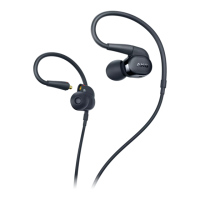
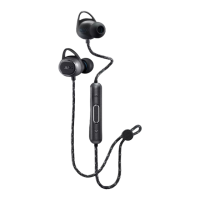
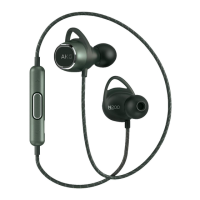
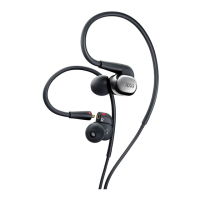
The N40 is provided with one straight and a 3-button universal remote and
microphone cable.
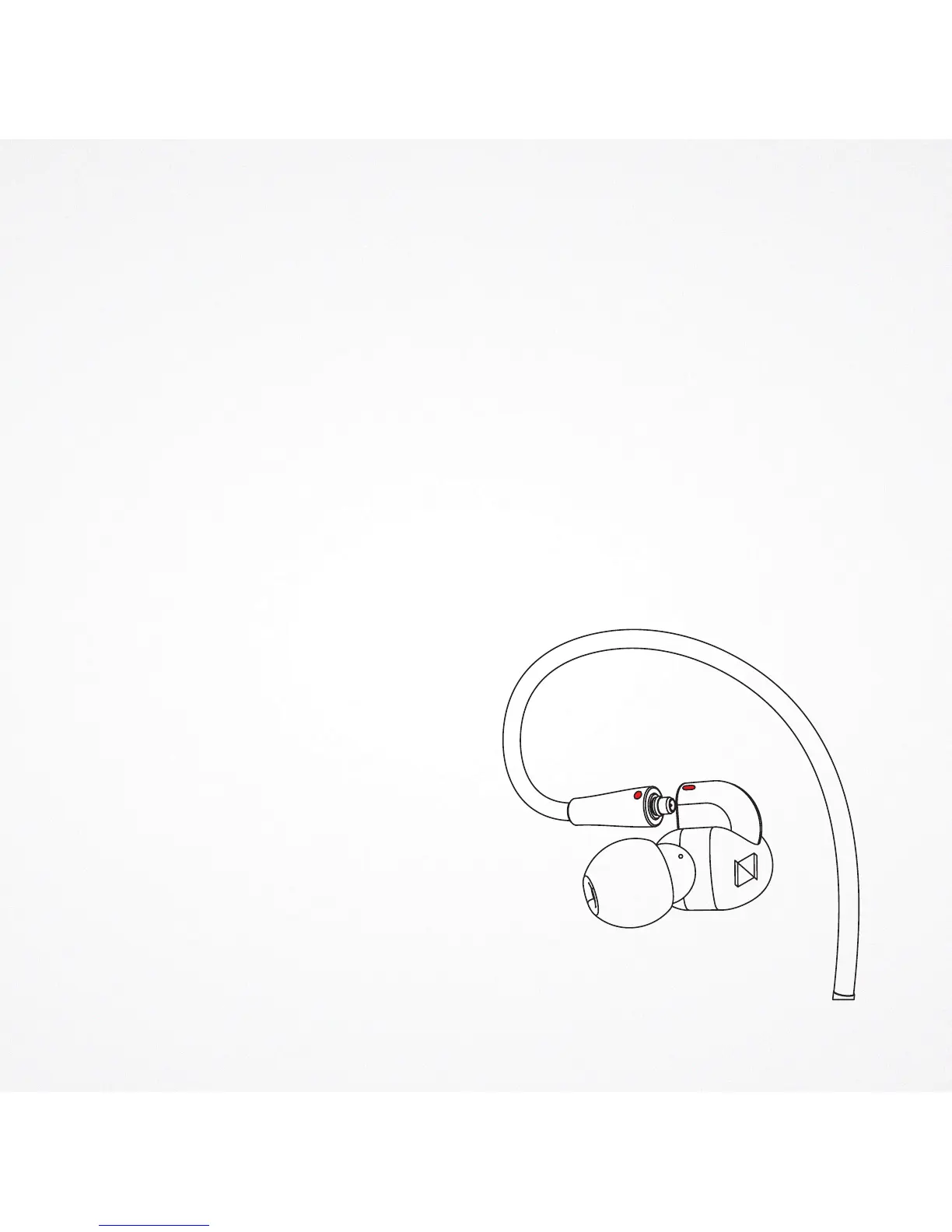
Please follow the instructions below to connect the cables to the earpieces.
You may also need to detach the cable from the earphones to connect optional
components or to replace a damaged cable.
> Do not use pliers or other tools.
( 1 )
> Grasp the connector and the earphone as close as possible to where they join.
> Pull straight apart—do not twist.
Cable is a snap fit, not threaded.
> Do not pull on the cable or put any
pressure on the earphone nozzle.
> Listen for a click when connecting.
> When reattaching the cable,
match the “L” and “R” markings.
For clear cables and earphones,
match the color dots (Red = Right, Blue = Left).
> Note: If you pull at an angle,
the connector will not detach and
may effect the connector functioning.
Audible click when
properly connected
USING THE N40
HOW TO CONNECT THE DETACHABLE
CABLES TO THE EARPHONE
R


 To Next Page