
 Need help?
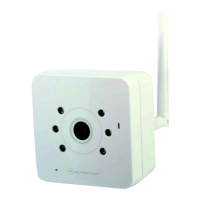
Do you have a question about the Alarm.Com ADC-V520IR and is the answer not in the manual?
Connect the camera's AC adapter and plug it into a non-switched outlet.
Press and hold the camera's WPS button or use a standard Ethernet cable to connect to the router.
From a computer on the same network, log into the customer's account at www.alarm.com/login.
Type www.alarm.com/addcamera into the web browser and follow the on-screen instructions to add the camera.
 General
| Camera Type | IP Camera |
|---|---|
| Night Vision | Yes |
| Video Compression | H.264 |
| Ingress Protection | IP65 |
| Two-Way Audio | Yes |
| Motion Detection | Yes |
| Compatibility | Alarm.com platform |
| Weather Resistance | Yes |
| Lens | 3.6mm |
| Field of View | 90° |
| Video Resolution | 1080p (1920x1080) |
| Wireless Connectivity | 802.11 b/g/n |
| Operating Temperature | -4°F to 122°F |
| Storage | Cloud storage |
| Image Sensor | 1/2.7" CMOS |

 To Next Page