3
1. Content of package
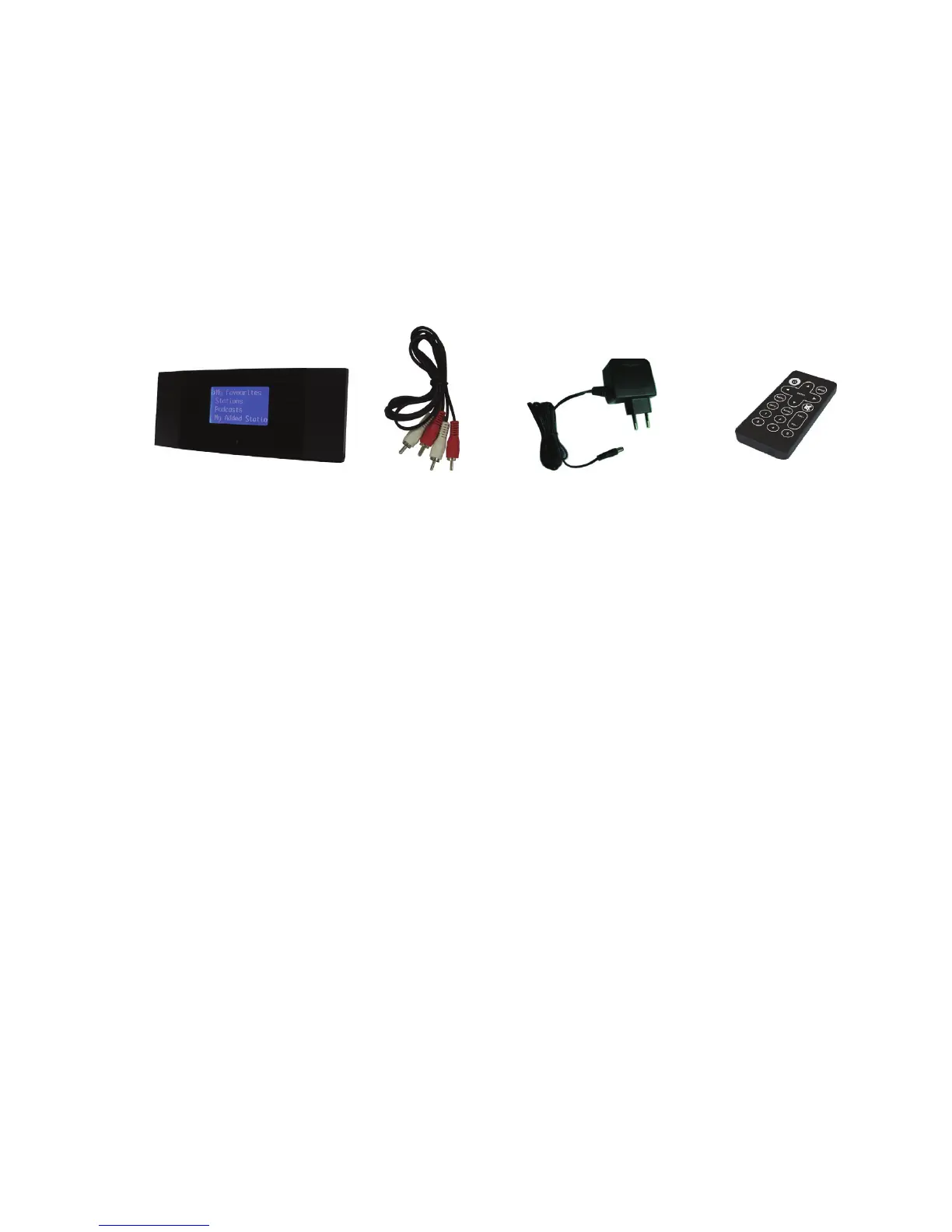
Please make sure that the following contents are included in the package:
1. DR 460 Adaptor - Main unit
2. Audio connecting cable (Cynch type)
3. Power supply adaptor (conform to new European ECO requirements)
4. Remote control
5. DR 460 User Manual
2. Before you start
Before you can use your internet radio, you need the following installations:
1. A broadband internet connection (DSL).
2. A wireless access point connected to your broadband internet. In most cases,
this will be a DSL-WLAN Router, where everything is combined.
3. If your wireless network is configured to use WEP (Wired Equivalent Privacy)
or WPA (Wi-Fi Protected Access) data encryption, it is important that you
know your WEP or WPA code to connect to your network. In many cases you
find the factory preset code on the rear or bottom side of the WLAN Router.
4. A Computer ( a Windows ® PC in case You want to share music files or have
access to the online portal website for the Internet radio adaptor
• Windows Media Player (WMP) 11 can be set up to
enable streaming music files from the PC to the radio.
• Alternatively, Windows shared folders can be used if
WMP is not installed in the PC.
•
The PC can also be used to customise the radio’s
favourites via the Frontier Silicon internet radio portal.


 To Next Page
 Loading...