EasyManua.ls Logo

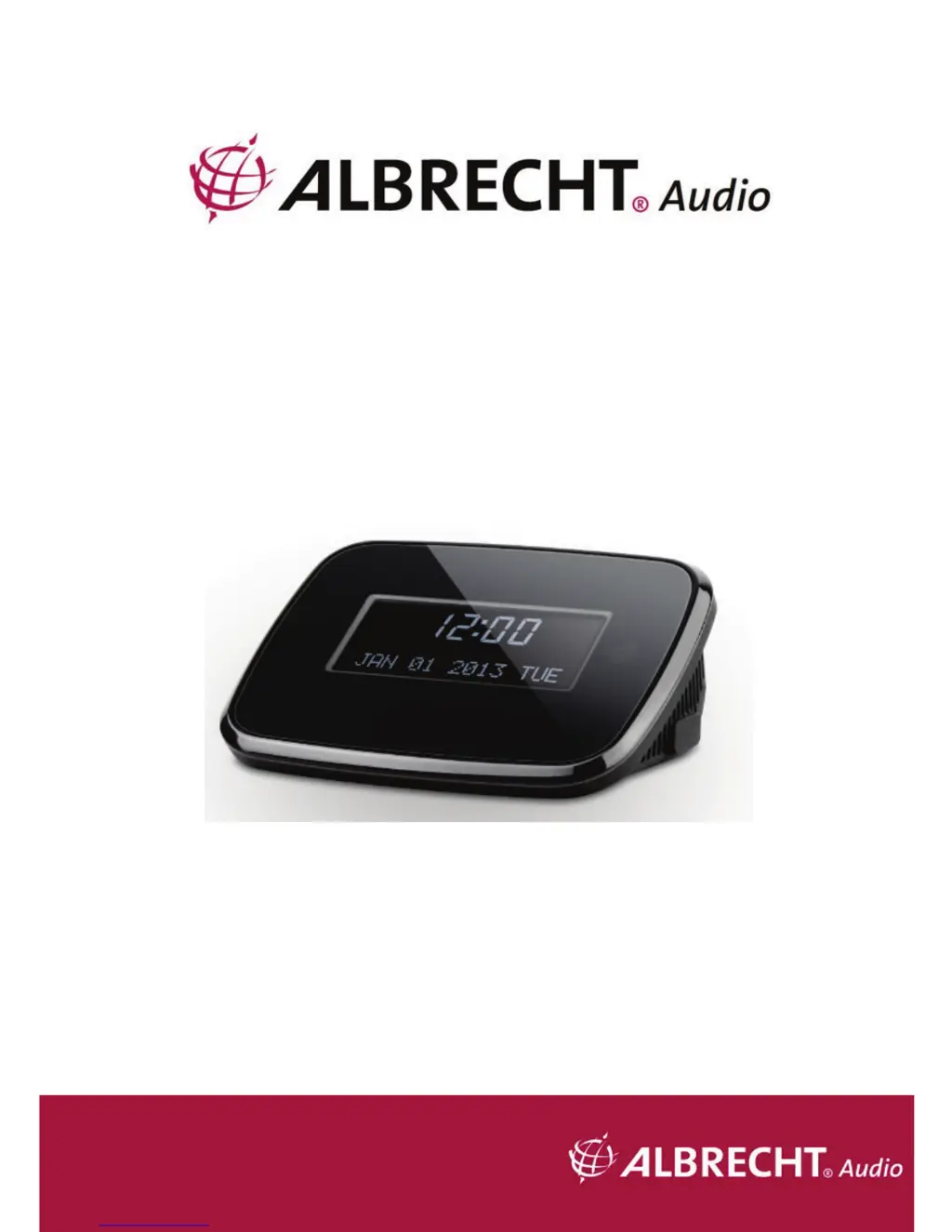
Albrecht DR 52 - User Manual

Albrecht DR 52
72 pages
Go to English
Print Icon
To Next Page IconTo Next Page
Loading...
DAB/DAB+ und UKW-Adapter
DR 52
Benutzerhandbuch
Deutsch / English / Français

Questions and Answers

  • C
    Courtney CarrilloAug 8, 2025
    What to do if there is no sound from my Albrecht Adapter?
    • T
      Troy BurnsAug 8, 2025
      If your Albrecht Adapter isn't producing any sound, first, ensure that the sound isn't muted by checking the volume settings. If the volume is low, increase it to an audible level. Also, verify that the audio cable is correctly connected to the speaker system.
  • H
    hcunninghamAug 22, 2025
    What to do if there is no signal or hiss in DAB or FM mode on Albrecht Adapter?
    • B
      Brandy CummingsAug 22, 2025
      If you're experiencing no signal or hissing in DAB or FM mode on your Albrecht Adapter, try these steps: * Check the antenna's position and adjust its length. * Move the radio to a different location to rule out interference.

Summary

Safety Precautions

Appearance and Key Descriptions

Getting Started

DR 52 Functions

Main Menu and Settings

Sleep Timer Function

Configure the automatic shutdown timer for the device to enter standby mode.

Alarm Settings

Set up and manage alarm functions, including alarm type, time, and sound.

Language Selection

Choose the desired display language for the device interface.

Factory Reset Procedure

Reset the device to its default factory settings, erasing all configurations.

Software Version Information

View the current firmware version of the device's system.

DAB Operation and Features

FM Operation

Preset Station Management

Troubleshooting Common Issues

Device Specifications

Warranty and Recycling Information

Service Address and Technical Support

Albrecht DR 52 Specifications

General IconGeneral
BrandAlbrecht
ModelDR 52
CategoryAdapter
LanguageEnglish

Related product manuals