34 English
choose the submenu and then press to
confirm. Press to leave the menu.
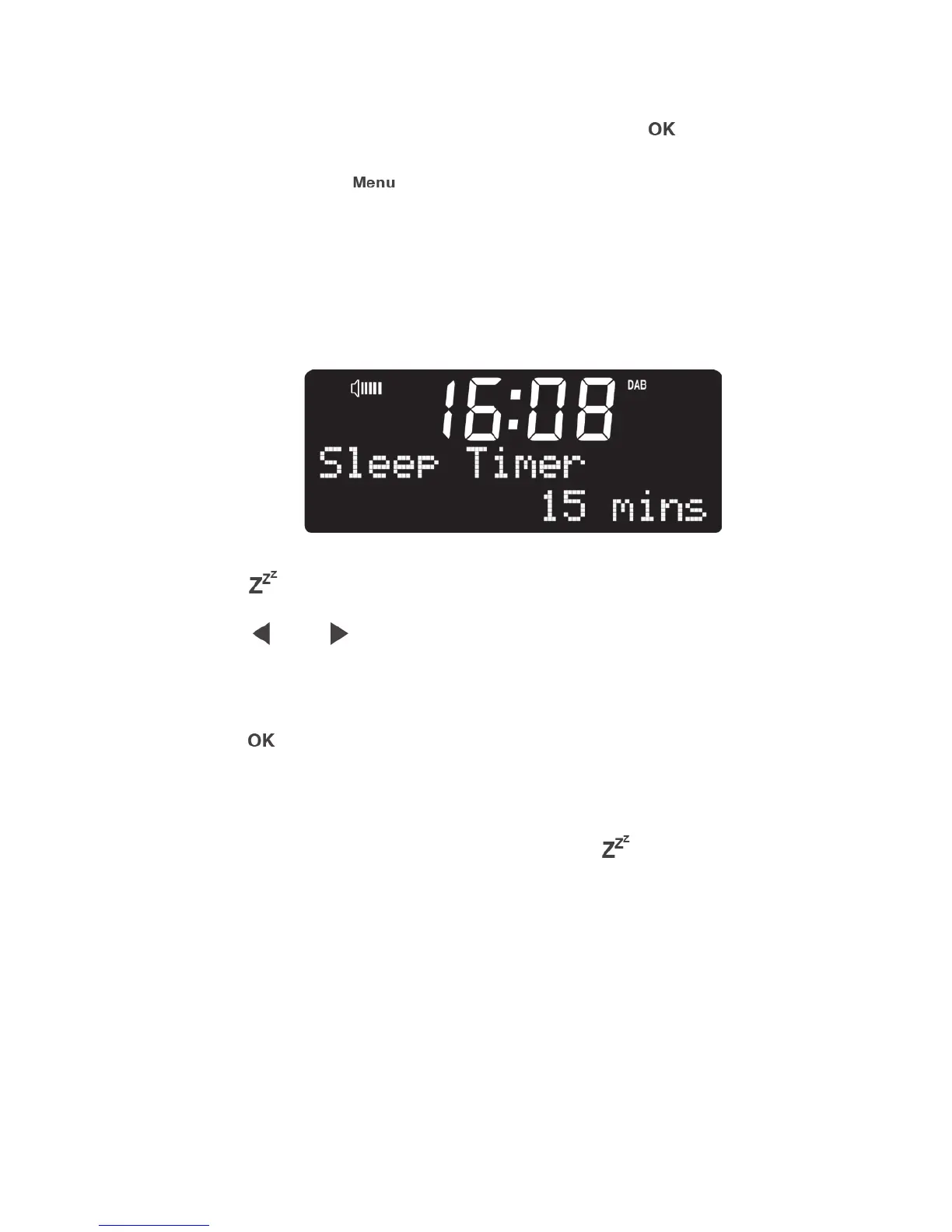
6.1 Sleep
Press to enter the sleep timer menu directly.
Press / to set the sleep time to
15/30/45/60/90 minutes or turn off the sleep timer.
Press to confirm.
After the sleep timer is set, press again to
see the remaining time until the device turns into
standby mode.



 To Next Page