15
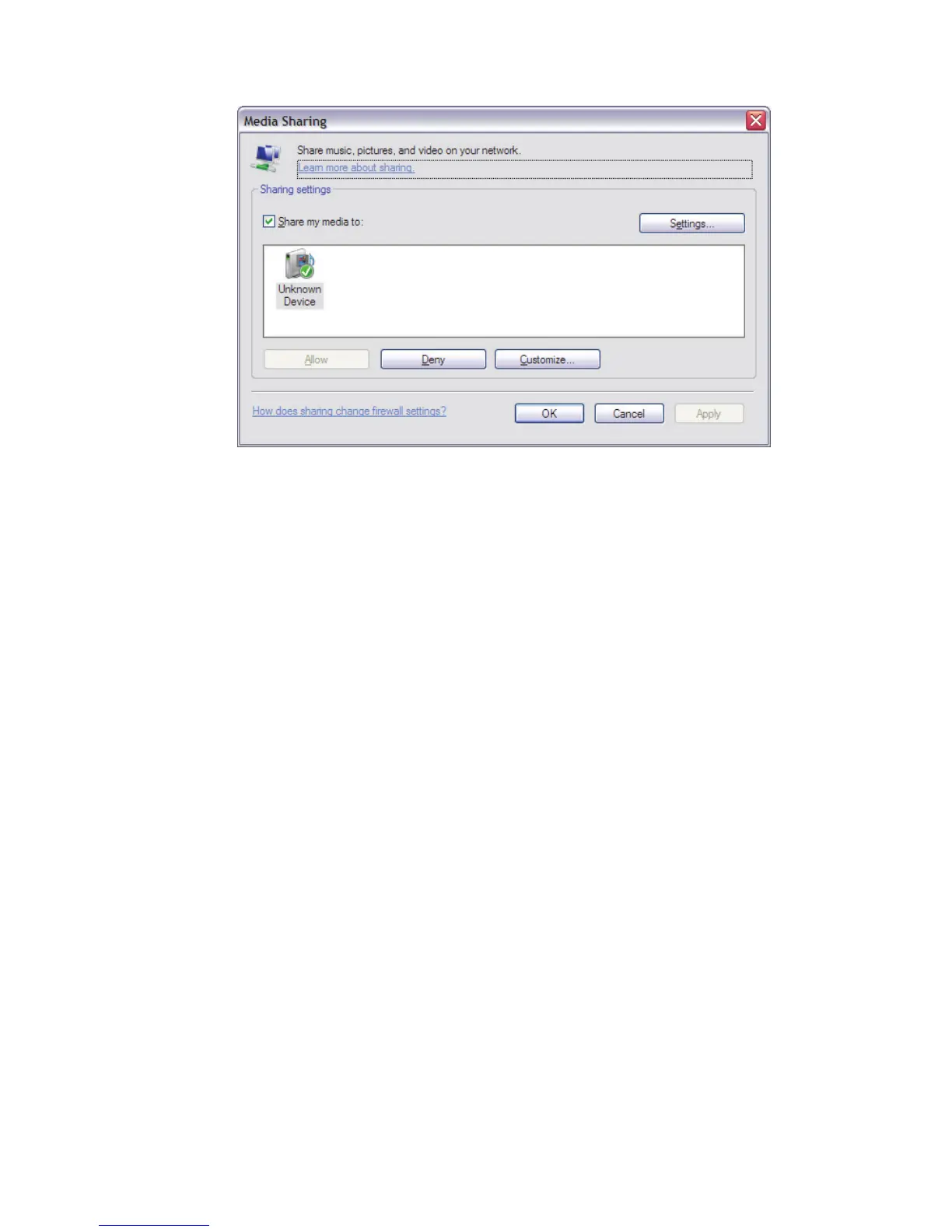
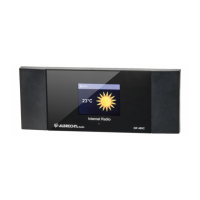
DR 460 is listed as “Unknown Device”. Make sure that the radio has
access to the shared media by selecting it and clicking Allow. You can
also set a name for the shared media in Settings… Click OK to close
the dialogue boxes.
The PC is now ready to stream the music to the radio.
8.7 Sharing folders on a Windows PC
To share folders in Windows, the PC must first be a member of a domain
or workgroup. Once this is setup, folders can be shared from Windows
Explorer (My Computer).
Domain/workgroup configuration
The Domain configuration item can be found on a Windows XP machine
as follows:
1. From the start menu, select Control Panel > System > Computer
Name tab.
The Computer’s Domain or Workgroup is displayed in this tab.
2. If the PC is not a member of any Domain or Workgroup then one
must be joined. To do this click on the change button and enter the
name of the domain (the default for Windows XP is MSHOME). In
most cases, home computers & home networks only use
WORKGROUP and only larger company networks use DOMAIN
settings.
3. A reboot of the PC may be prompted if the Domain or Workgroup has
been changed.



 To Next Page