20
VIDEOPORTERO DIGITAL - DIGITAL VIDEODOOR ENTRY SYSTEMS - VIDÉOPORTIER NUMÉRIQUE
INSTRUCCIONES DE AJUSTE
ADJUSTMENT INSTRUCTIONS
INSTRUCTIONS DE RÉGLAGE
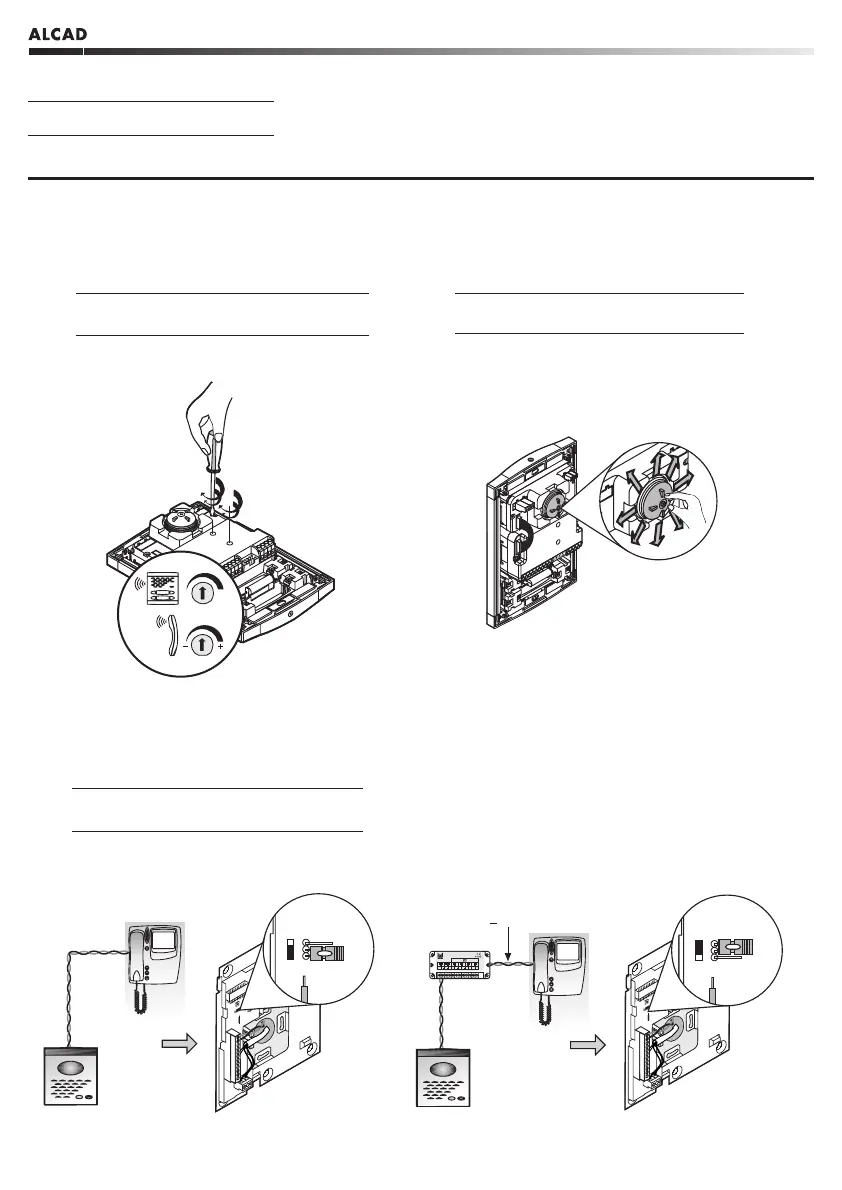
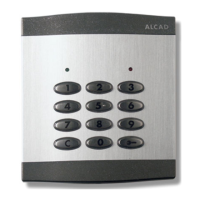
PLACA DE CALLE - ENTRANCE PANEL - PLAQUE DE RUE
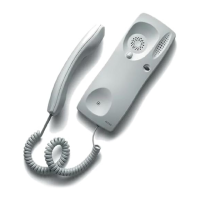
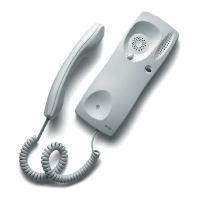
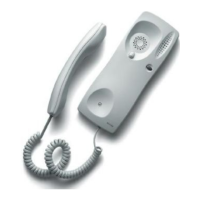
Ajuste el volumen de sonido en la placa de calle
y en los monitores/teléfonos.
1
Adjust the volume level on the entrance panel
and on the monitors/telephones.
Réglez le volume du son sur la plaque de rue et
sur les moniteurs/téléphones.
Ajuste el ángulo de la telecámara hasta conseguir
la orientación deseada.
2
Adjust the video unit's view angle until getting
the desired orientation.
Réglé l’angle de vision de la caméra jusqu’à en
obtenir l’orientation voulue.
SOPORTE DE CONEXIONES - CONNECTION BRACKET - SUPPORT DE CONNEXIONS
1
Configuración del puente J1 en función de la
instalación.
Jumper J1 configuration according to the
instalation.
Configuration du cavalier J1 selon l'installation.
<
50m
DIV-034
T1+ T1+ T1+ T1+ T1+ T1+
DIV-034
cod.9730015
T1 T1 T1 T1 T1T1



 To Next Page