5 6
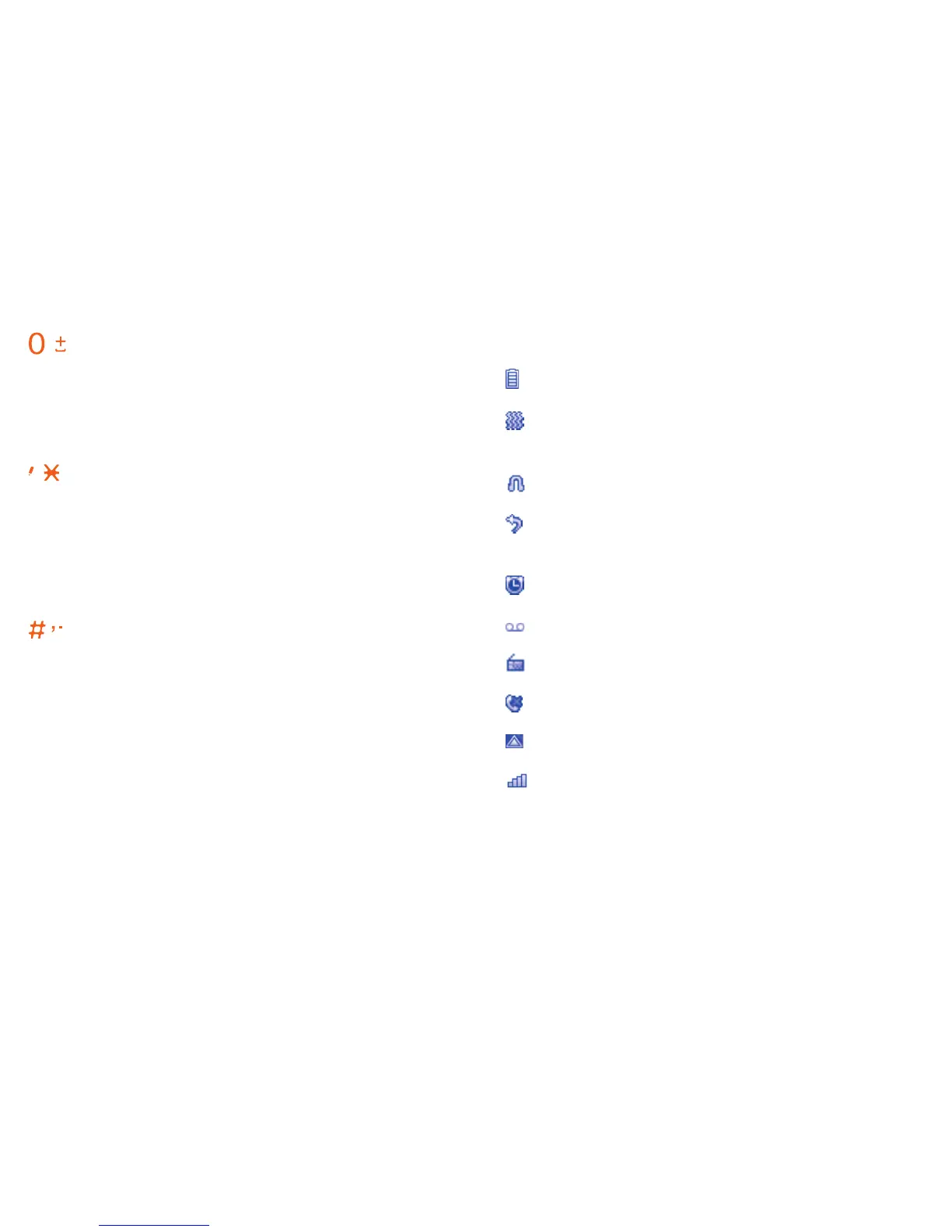
Idle screen icons1.2
Battery charge level.
Vibrate alert: your phone vibrates, but
doesn't ring or beep.
Headset connected.
Call forwarding activated: your calls are
forwarded.
Alarm clock programmed.
New Voicemail.
FM radio is on.
Missed calls.
Roaming.
Signal strength indicator.
Key:
In idle screen:
Input 0 (press)
Input '+'/'P'/'W' (press and hold)
In edit mode:
Input space (press)
Key:
In idle screen:
Access pre-set number (press and
hold)
Input * (press)
In edit mode:
Change input mode
Key:
In idle screen:
Access pre-set number (press and
hold)
Input # (press)
In edit mode:
Change symbol















 To Next Page