9 10
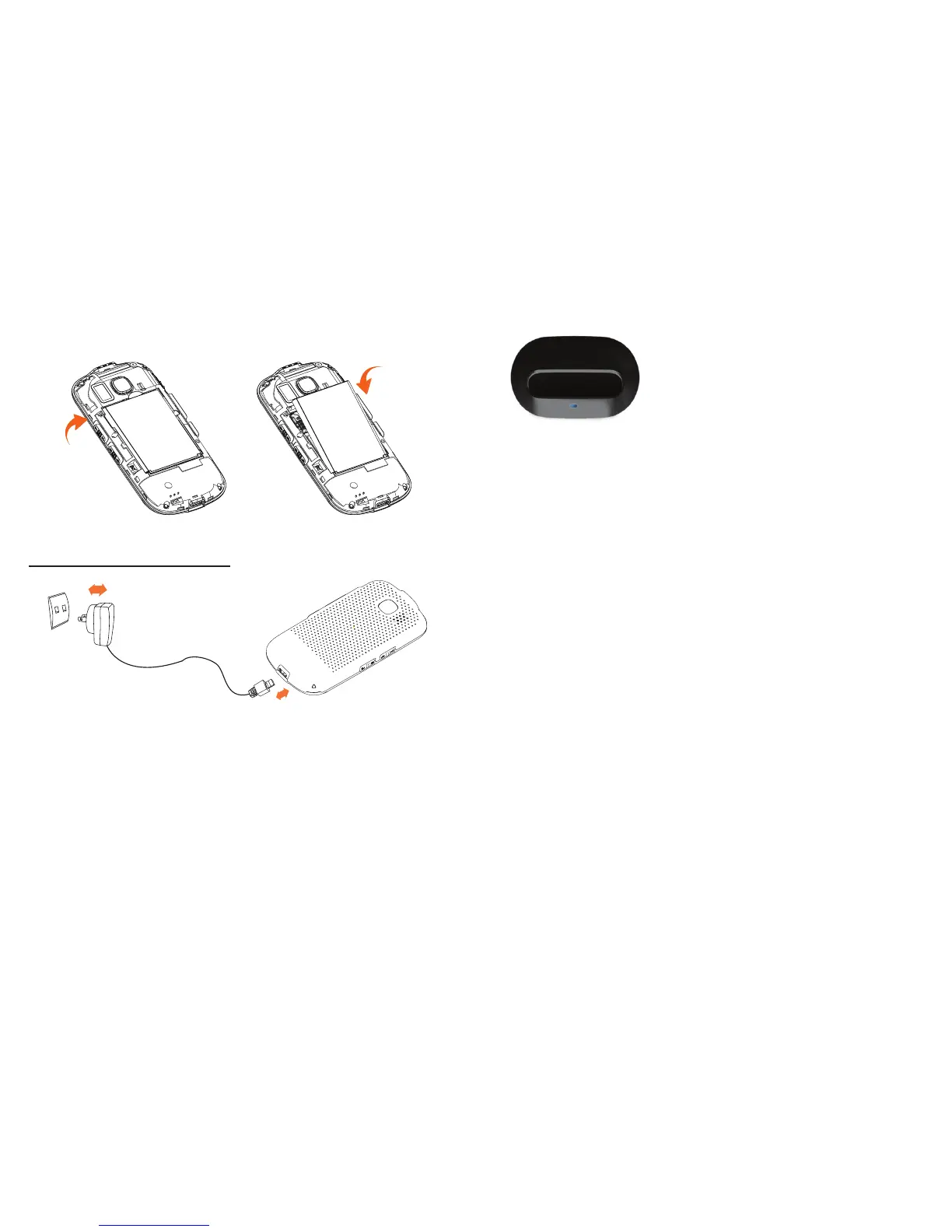
You can also put your phone
in cradle (Optional part) for
charging. When you see the
white LED light turn on, on the
top left corner of the phone,
that is the indication the phone
is charging.
If your battery has no charge left, using an outlet
•
instead of the cradle to charge, will require 20
minutes before your phone will have enough
charge to power on.
Before using your phone for the first time, make •
sure it is fully charged, this will take approximately
3 hours.
Ensure your battery is inserted correctly before •
connecting the phone to either charger or
cradle.
The outlet must be near to the phone and easily •
accessible (avoid electric extension cables).
Installing or removing the battery
Charging the battery
Connect the battery charger to your phone and
outlet respectively. The LED light will be lit up
during battery charging.















 To Next Page