5
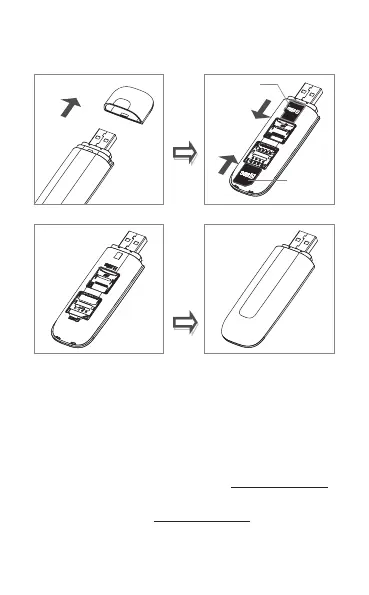
1.3 How to start your modem
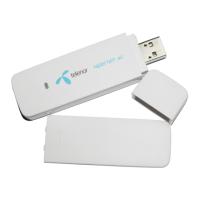
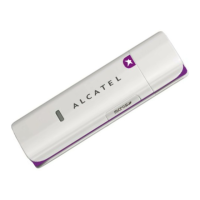
Step 1: Insert SIM card and Micro SD card into the device.
Micro SD
card
SIM card
Step 2: Plug into Computer.
Step 3: Auto installation, Ready! Let’s GO!!!
Note:
• Do not remove the SIM/Micro SD card when the card is
in use.
• If the connection failed, access http://192.168.1.1 to
check the status.
• If you cannot access http://192.168.1.1, disconnect other
network, remove the modem and re-insert it, or restart
your computer.






 To Next Page