6
Powering on your MOVETRACK
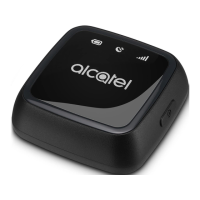
To power on your MOVETRACK, press and hold the power buon
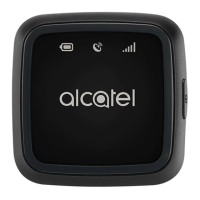
for at least 3 seconds unl the 3 LEDs light up blue. The 3 LEDs will
indicate your MOVETRACK working status.
Temperature and Charging
Cauon: We do not recommend using your MOVETRACK in
environments outside of the temperature range -10°C to 45°C. Please
only charge your MOVETRACK in temperatures between 0°C to 55°C.
Charging outside this temperature range will invalidate the warranty.
In order to protect your MOVETRACK, there are some limitaons on
charging and use. These limitaons are dependent upon the ambient
temperature and are detailed below:
Environment
Temperature
Power/Charging Result
< -20°C
Your MOVETRACK
cannot be charged or
powered on.
If the USB cable is connected for
charging, your MOVETRACK will
quickly ash red and then automacally
power o.



 To Next Page