8
Environment
Temperature
Power/Charging Result
55°C ~ 60°C
Your MOVETRACK
cannot be charged.
If the USB cable is connected for
charging, your MOVETRACK will
automacally stop charging, and may
not funcon normally.
> 60°C
Your MOVETRACK
cannot be charged or
powered on.
If the USB cable is connected for
charging, your MOVETRACK will
quickly ash red and automacally
power o.
Conrming that your MOVETRACK is
connected to the network
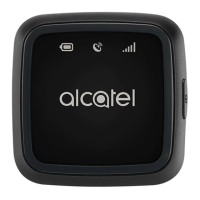
Aer your MOVETRACK is fully booted up, press the power buon
to check the network connecon status. If the network indicator is
blue, it means the device has connected to the 2G/GPRS network
successfully.



 To Next Page