5
Icon
Description Function Definition
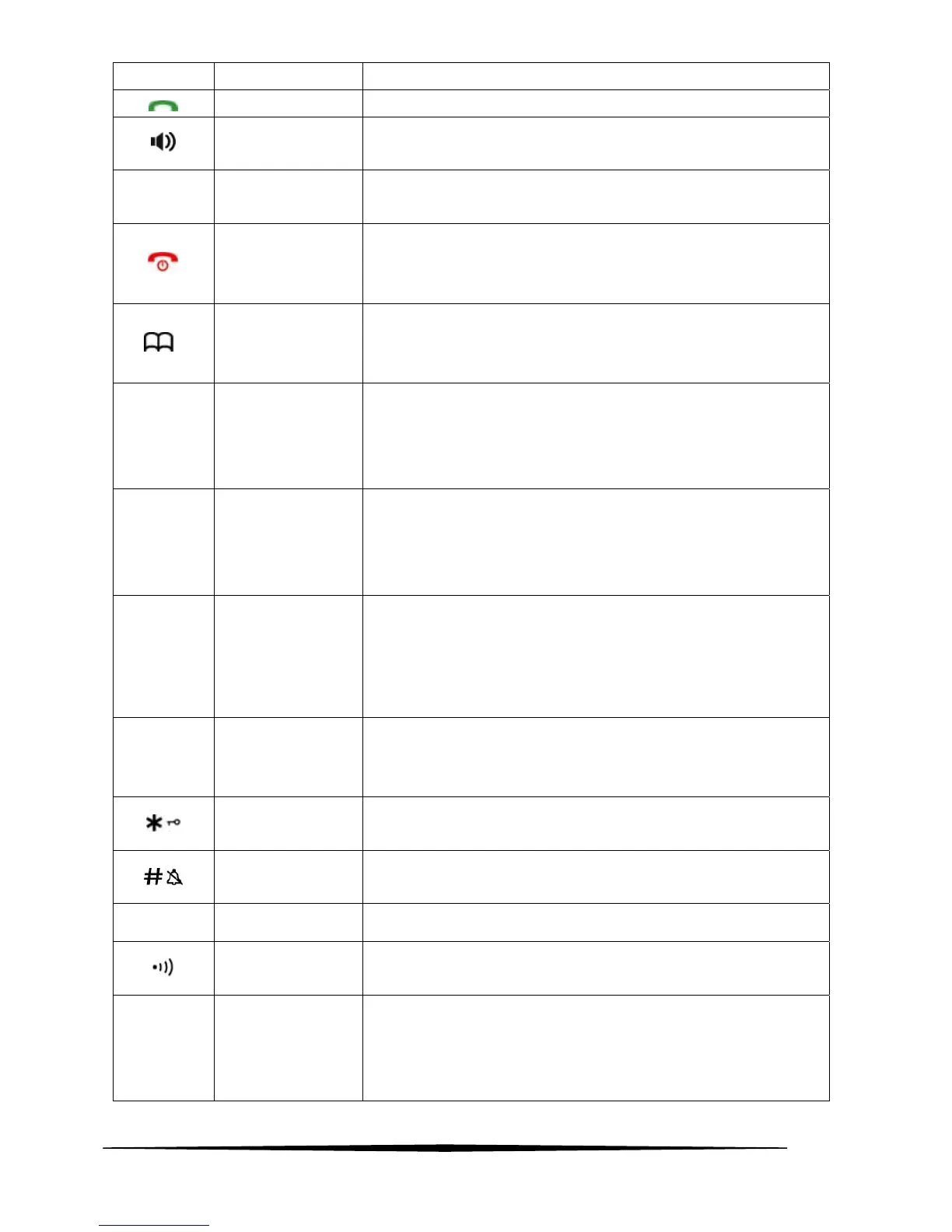
TALK When there is new call coming, press this key to receive the call.
H.F
In standby mode press once to take the handset to hand free
mode.
OK SET/OK
Enter to the menu functions from idle mode;
Confirming selections
HANG UP
/POWER ON(OFF)
In talk mode, press once to hang up the call;
In standby mode, hold for 3 seconds to switch handset power
on/off.
Phonebook/BACK
This key is used to enter the phonebook both in standby mode and
in talk mode;
Exiting from a function during menu operation;
▲ UP
Scrolling up through lists and menu options;
Increasing the volume;
Review incoming number,outgoing number and phonebook
number.
▼ DOWN
Scrolling down through lists and menu options;
Decreasing the volume.
Review incoming number,outgoing number and phonebook
number.
R/CLR Flash/Delete
The key is used to delete memory
Delete the current input by a short pressing during menu edit.
When on an external call, press R/CLR to get a fresh dialling tone
or to access call waiting when you hear the signal. Press the key
again to toggle between your two callers.
RD/P Redial/Pause
The key will perform PAUSE function if pressed after any digit
input both in talk mode and in standby mode.
Redial the last dialed number, in off-hook state.
Star/Lock
A Long press (3s) to activate/inactive keypad lock;
To set up a conference call.
Ring on/off
In addition to its use for text and number entry,
Press and hold to switch the handset external call ring on/off
MUTE Mute
In talk mode press the key to perform mute function.
Page
Page the handset,
Register the handset to a specified base.
INT INT
To set up an internal call to another handset;
To transfer an incoming call to another handset;
To set up a conference call with an external line and an internal
handset.



 To Next Page