6
INSTALLATION
1. Plug the AC Adaptor output pin into the bottom of the base unit.
2. Plug the main adapter into mains socket with the switch on the socket set to off.
3. Switch on main power at the socket.
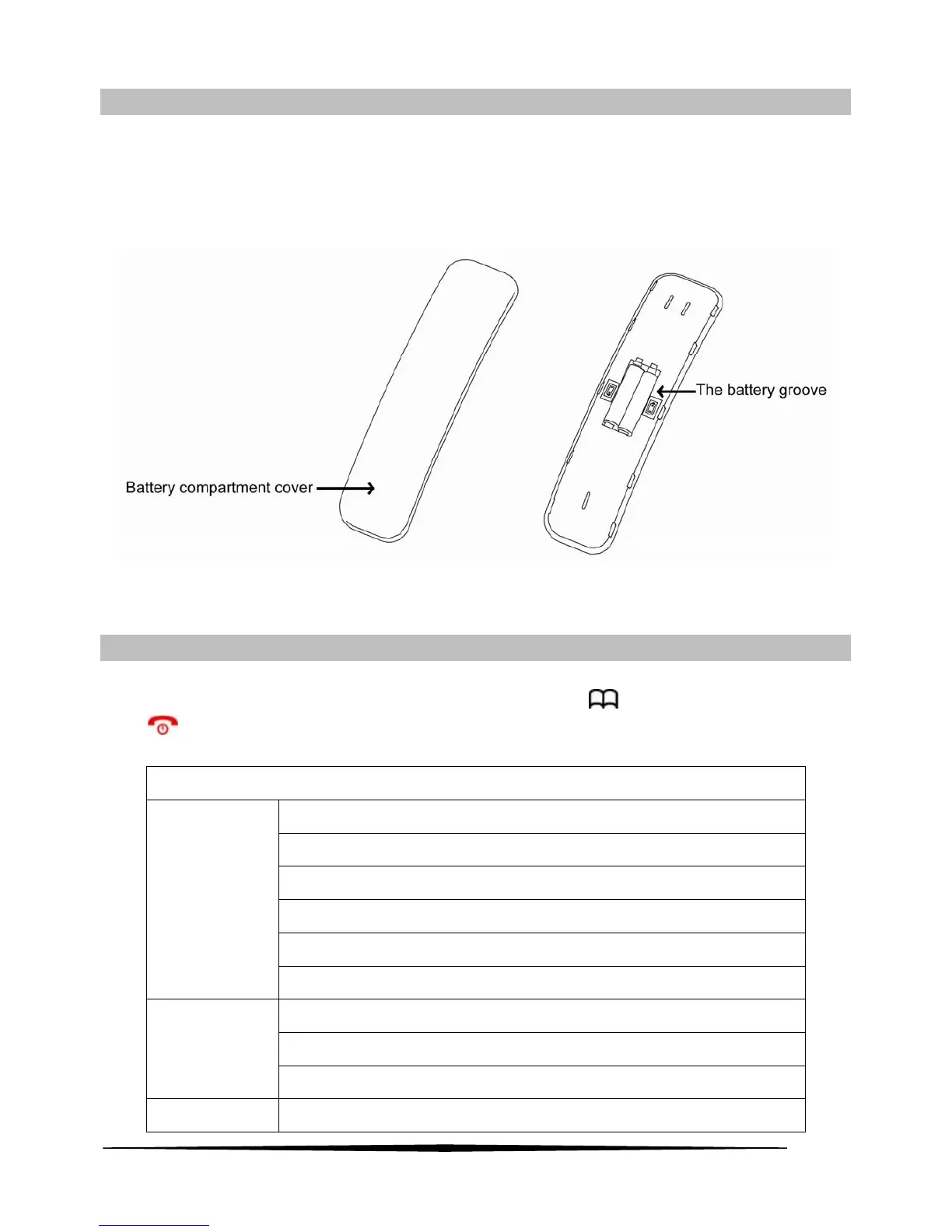
4. Take out the battery and open the battery compartment cover and insert batteries in the right polarity, then
close the battery compartment cover. The battery position as follow:
Warning: Use only approved rechargeable batteries supplied. Please do not use alkaline or non-rechargeable
batteries. It may cause permanent damage to the product and void the warranty.
Menu Settings
In standby mode, press the OK key to enter the menu setting. Press ▲ or ▼ key to select the above items and
then press OK key to enter, to go back to the previous menu by press
key, to quit from setting menu by
press
key. The menu tree as follows
HANDSET MENU TREE
LIST
NEW ENTRY
EDIT RECORD
DEL RECORD
DELETE ALL
PHONE BOOK
MEM STATUS
MISSED
RECEIVED
CALL LOG
DIALED
BS SETTINGS
DELETE HS



 To Next Page