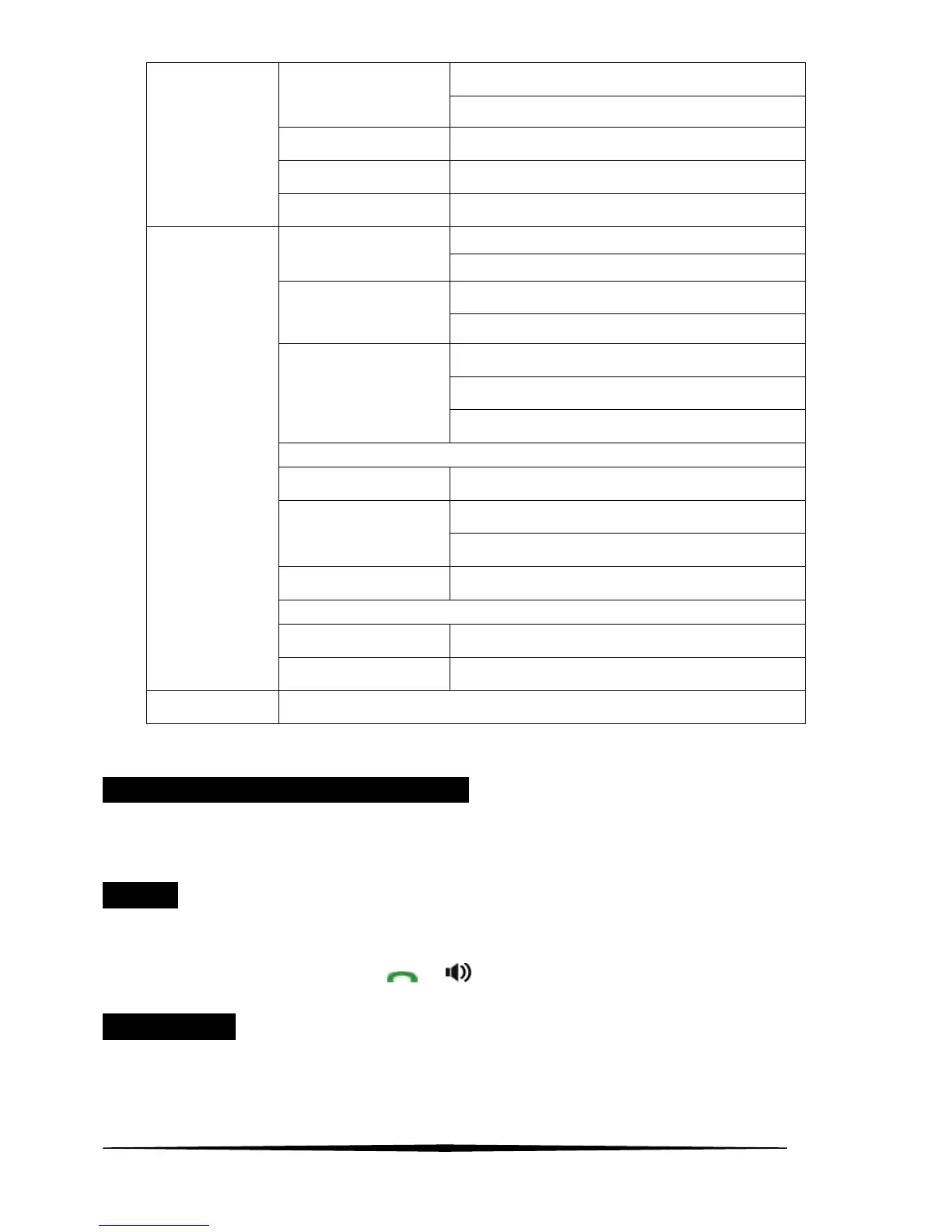
7
TONE
DIAL MODE
PULSE
FLASH TIME 100/300/600/1000MS
MODIFY PIN default 0000
BS DEFAULT default 0000
ON (SNOOZE ON/OFF)
ALARM
OFF
INT RING
RING SETUP
EXT RING
KEY TONE
BATTERY LOW
TONE SETUP
RANGE ALARM
LANGUAGE
HS NAME
ON
AUTO ANSWER
OFF
BARRING default 0000
DATE&TIME
SELECT BASE BASE 1,2,3,4 and AUTO
HS SETTINGS
HS DEFAULT default 0000
REGISTRATION BASE 1(2,3,4)
Note: The system will time out if you leave more than 30 seconds between key presses.
Handset Menu function 1: PHONE BOOK
Each individual Handset has its own phonebook, independent of each other handset.
Press OK key. Use ▲ or ▼ key to select PHONE BOOK. Then Press OK key to confirm.
¾ LIST
LCD displays LIST. This function allows the user to review the phone book record lists by using the ▲ or ▼
key.
When the desired number is show, press
or key to dial out the number automatically.
¾ NEW ENTRY
Press ▲ or ▼ key to select NEW ENTRY item. This function allows the user to add an entry to the phone book.
1. Press OK key to enter. If a free phonebook entry is available, the cursor for the name flashes.
2. Enter the name using the numeric keys.



 To Next Page