Switching on/off
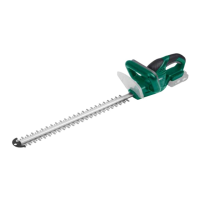
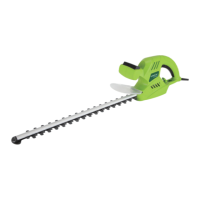
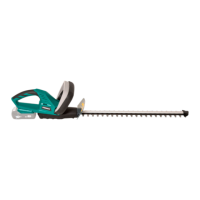
The hedge trimmer is equipped with a bi-manual safety switch. It only functions
when you press the switch on the handle grip
with one hand, and the switch on
the handle
with the other (see Fig. 2).
As soon as you let go of one of the switches, the device switches off. Wait until the
blades have come to a standstill before putting the device down.
Warning! If the device starts to vibrate abnormally, switch the motor off and locate
the cause immediately. Vibrations are generally a warning before the device
malfunctions.
Stop the device and disconnect it from the power supply:
- whenever you step away from the device;
- before remedying blockages;
- before checking, cleaning or working on the device;
- after contact with a foreign object to check the device for damage;
Work instructions
-
You will achieve the best cutting result when guiding the hedge trimmer so that
the blade teeth are aligned at an angle of roughly 15° to the hedge (see Fig. 3)
-
The sides of a hedge are cut in sweeping motions from the bottom to the top
(see Fig. 4)
-
The double-sided, counter-directional blades allow cutting in both directions
(see Fig. 5).
What to do if the blade jams
1. Stop the device.
2. Remove the battery.
3. Remove the stuck material from the blade (wear gloves to prevent injuries).
Inspection
WARNING!
Risk of injury from sharp blades
- Use protective gloves.
Operation
16


 To Next Page