Earbud Manual
1.Take out the two earbuds from the charging case and peel off the insulating film.
2.Put the two earbuds into the charging case to charge(the earbuds are activated
when the indicators light white).
3.Take out the two earbuds, they will turn on and pair automatically and were prepared
for pairing to the phone (the indicator will turn to blue and white alternately).
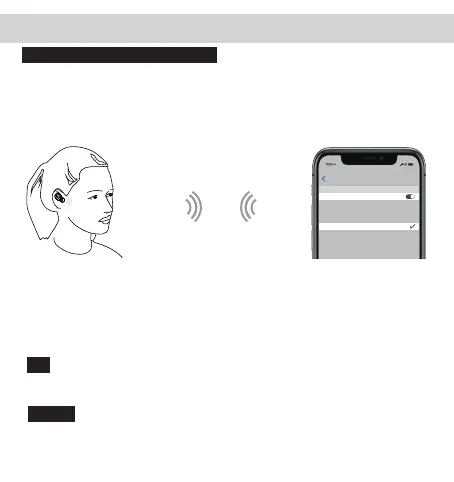
4.Turn on the Bluetooth function on your phone and search【Alead TX8】and connect it.
Put the earbuds into the charging case and they would turn off and charge
automatically. Or hold the power buttons at the same time for 5 seconds while the
music is paused to turn off.
Pairing the earbuds for the first time
Turn off the phone’s Bluetooth and the earbuds, and then hold the earbuds, power
buttons for 5 seconds to turn on the earbuds and then double click the power
buttons, the earbuds will enter paring mode(indicators flash blue fast) and about 5
seconds the two earbuds will enter pair to the phone mode(the indicator will turn to
blue and white alternately).
Turn off:
IOS user can Triple-click the earbud to turn and click once to turn off Siri(this
function only supports IOS system).
Siri:
Settings
Bluetooth
Alead TX8
Bluetooth
Now discoverable as ”John iPhone ”.
MYDEVICES
To pair Apple Watch with your iPhone, go to the
Watch app.
Tips: when the two earbuds can’t pair under the first time use, or there is no sound
in one of the earbud, please proceed as follows:



 To Next Page