-21-
Volume:
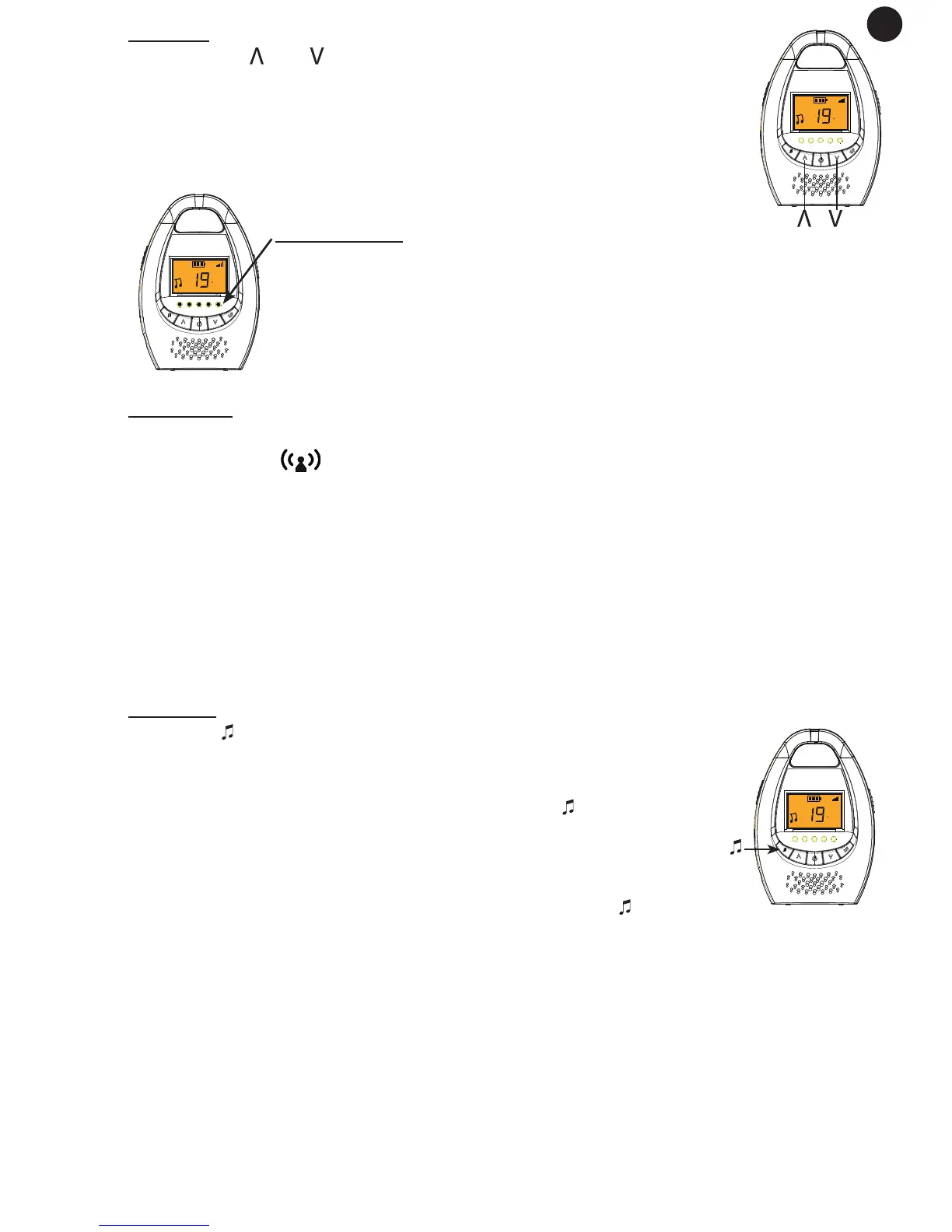
Pressing the and buttons on the parent unit allows you to set
the volume of the sound coming from the speaker. You have a choi-
ce of ve volume levels and volume off. Two beep tones will sound
when the maximum volume has been reached.
The selected volume will be shown at the top of the display:
Sound Lights:
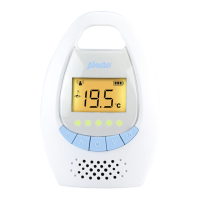
The parent unit comes with ve audio lights. The louder the sound
that the baby unit picks up, the more the lights will show up on
the parent unit. In this way, you will know when the baby is crying,
even when the sound on the parent unit is switched off.
Link check:
Should the connection between the parent unit and the baby unit be broken, the
antenna symbol in the display will ash and a beep tone will sound continuo-
usly.
The reason for this could be because the parent unit is out of range from the
baby unit or because the power of the baby monitor has run down.
Once the connection is restored, this symbol will stop ashing and the beep tones
will stop.
Lullabies:
Press the button on the parent unit to start playing lullabies on
the baby unit.
By default one lullaby will be played. Press the button again to
start playing the 2nd lullaby.
The selected song is played continuously for 15 minutes, or press
1x (or 2x when the 1st lullaby is being played) on the key to stop
playing prematurely.
The playback volume on the baby unit is xed and cannot be changed.
Please note that you will be able hear the lullaby coming through the speaker of
the parent unit coming from the microphone of the baby unit. It is advisable to set
the volume of the parent unit off if you do not want to hear the lullaby.
GB
C
C
C
button


 To Next Page