23
1 PRODUCT DESCRIPTION
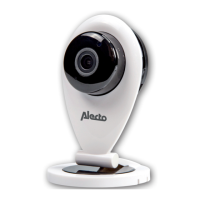
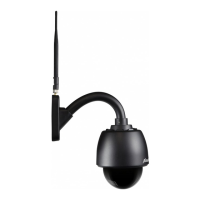
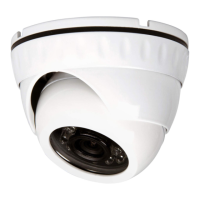
This Alecto IP camera is a security monitor, suitable for both indoor and outdoor
use. The camera is splash proof and should be installed where it’s not fully
exposed to rain. The device is often used for monitoring a garden or garage, but
also for observing babies and small children or pets.
The camera transmits its signal to your internet modem via UTP cable or Wi-Fi.
Using a tablet or smartphone you can view the camera images and rotate the
lens by swiping over the screen.
Thanks to our Real Plug & Play system and the UID code (Unique IDentication)
it’s very easy to establish a connection with the camera via our app. This app is
available for iOS and Android and can be downloaded via the App Store or Play
Store.
After the initial setup, you can also view the camera images via the GSM internet
or external Wi-Fi connections.
The camera is provided with night lighting for a clear view of any objects within
5 meters from the camera in a dark environment. Because this night lighting
consists of infra-red lights, people cannot see it but it’s sufcient for the camera
to show clear images. However, these images are of course in black/white.
When everything is working properly, you should rst change your password. The
default factory password is not unique, which would allow others to use your UID
code and gain unauthorised access to your camera.
GB
Refer to the user’s manual of the AlectoCam app for a quick
registration and/or additional information (www.alectosecurity.com).


 To Next Page