5
www.AlenCorp.com 1-800-630-2396
• Do not climb up or sit on the unit. You may be injured if you fall or if the unit falls over.
• Do not spray insecticides or any other ammable sprays near the machine. It may cause
explosion or re.
USiNg yoUR AiR PURifiER
1. Plug your air purier into a grounded outlet.
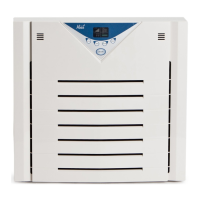
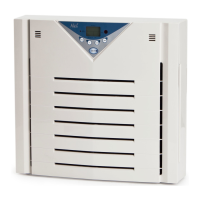
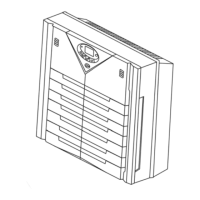
2. Press POWER to start the air purier. When your unit is on the control panel screen will
light up. To stop the air purier press POWER and the screen will turn off.
3. Press SPEED and watch the indicator lights until desired fan speed is achieved.
4. Press TIMER to have the air purier automatically turn off in a set amount of hours. Up to
twelve hours.
5. Select ION to activate the ozone safe built-in ionizer. Activation of the IONIZER can en-
hance your unit’s ability to remove airborne particles (similar to the way dust is attracted
to a TV screen) and keep the air fresh. Press ION again to turn off.
6. Filter replacement indicator – The CHANGE FILTER text will illuminate when it is time to
change your lter.
7. After changing the lter, RESET the lter indicator by holding down RESET while the unit
is ON until the illuminated bars disappear.
Level 1 Basic cleaning power 48 185
Level 2 Moderate cleaning power 83 320
Level 3 Maximum cleaning power 130 500



 To Next Page
 Loading...