EasyManua.ls Logo

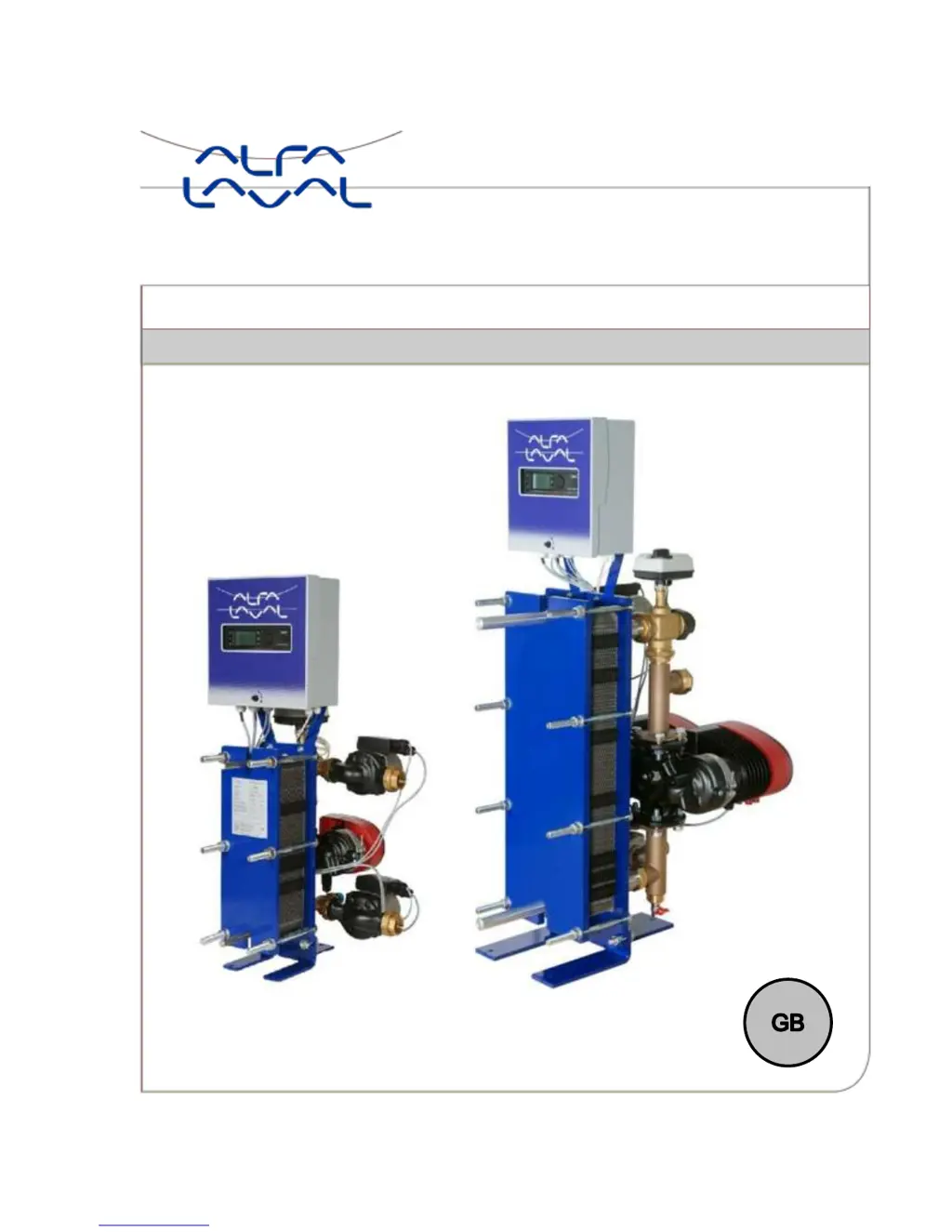
Alfa Laval AquaFirst - User Manual

Alfa Laval AquaFirst
53 pages
Print Icon
To Next Page IconTo Next Page
Loading...
DOC-1361 Rev: Sep, 2017, Soft V4
Installation, service and operating instruction Alfa Laval AquaFirst
Domestic hot water supply

Table of Contents

Questions and Answers

  • S
    Susan MitchellAug 1, 2025
    What to do if Alfa Laval AquaFirst pump is not operating?
    • M
      Megan LewisAug 1, 2025
      If the pump is not operating, several issues could be the cause. First, check if there's voltage to the control board terminals, inspecting the power supply cable and fuses. Also, verify voltage to the pump motor terminals, checking the protection fuse on the main board, cable condition, and connections. A high alarm condition might be present; clear the alarm and reset the system. The pump protection fuse might have blown, so check and replace it if needed. A damaged pump relay or a corresponding LED not lit indicates the Power Board should be replaced. If the rotor is locked or damaged, try to force it to rotate; otherwise, replace the pump. Finally, the controller might be improperly set; in this case, you should contact After Sales Service.

Summary

3 Installation

3.1 Unpacking;Preparation;Mounting

Key setup steps including unpacking, pipe rinsing, and mounting procedures.

3.2 Commissioning

Crucial post-installation step to verify functionality and initial settings.

4 Electrical installation

4.2 Electrical wiring diagram

Visual representation of the unit's electrical connections and terminal layout.

5 User instruction operator control panel Micro 3000

7 Technician menu, total read and write level

7.3 Configuration menu

Settings for pumps, parameters, and other system configurations.

8 Service Menu

9 Alarm menu

12 Modbus

13 Trouble shooting

14 Maintenance and repairs

Alfa Laval AquaFirst Specifications

General IconGeneral
BrandAlfa Laval
ModelAquaFirst
CategoryWater System
LanguageEnglish