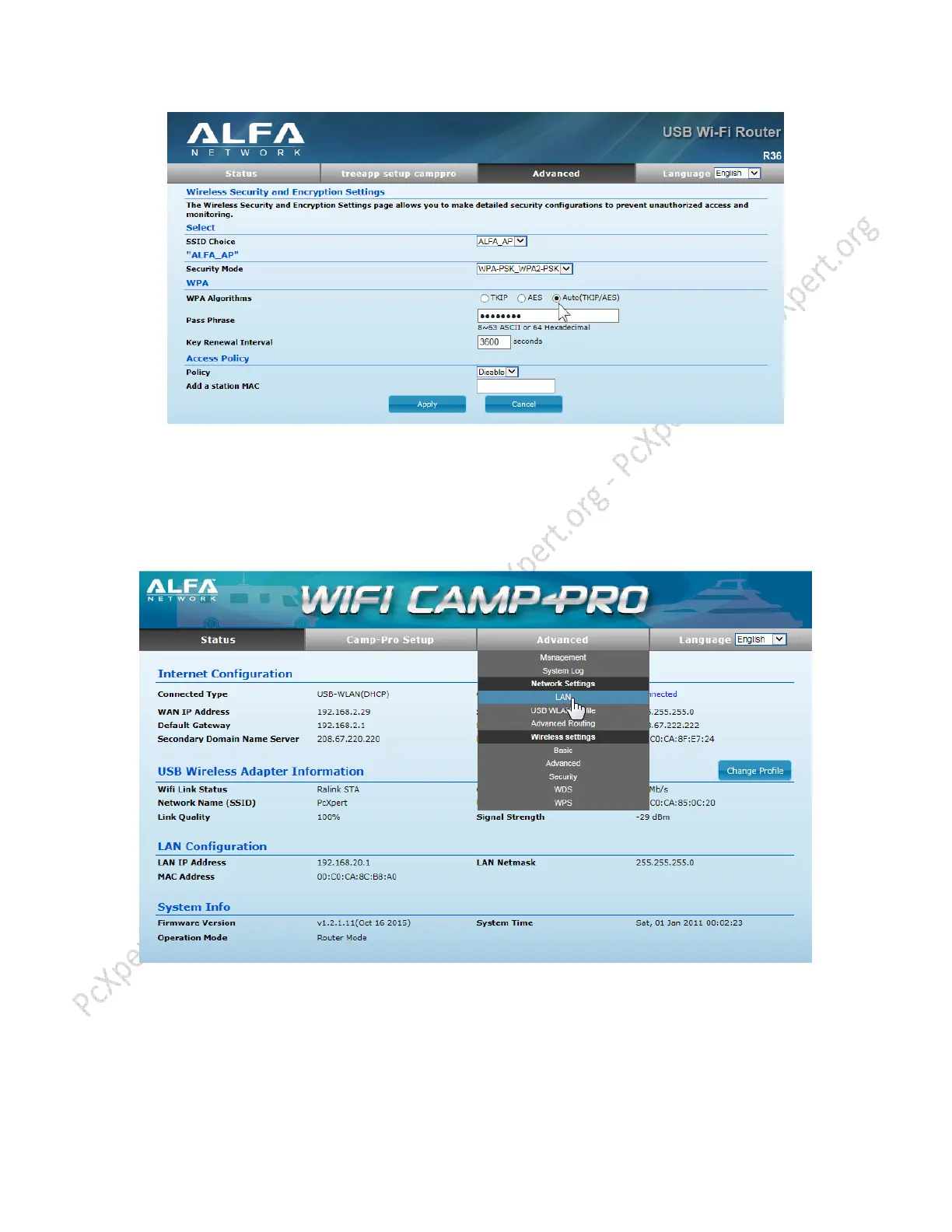
If you cannot connect to a specific Wifi Network in site survey, you may need to change the
R36’s default LAN ip address (192.168.2.1) If the Router you want to connect to uses same LAN
address it may be in IP address conflict.
Here we change LAN to 192.168.20.1 NOTE; if you change the address, you must use this one
to access setup page, you may need to restart computer after changing LAN address.
Change Address here and click “Apply” Router will restart



 To Next Page