42 | Operating the monitor
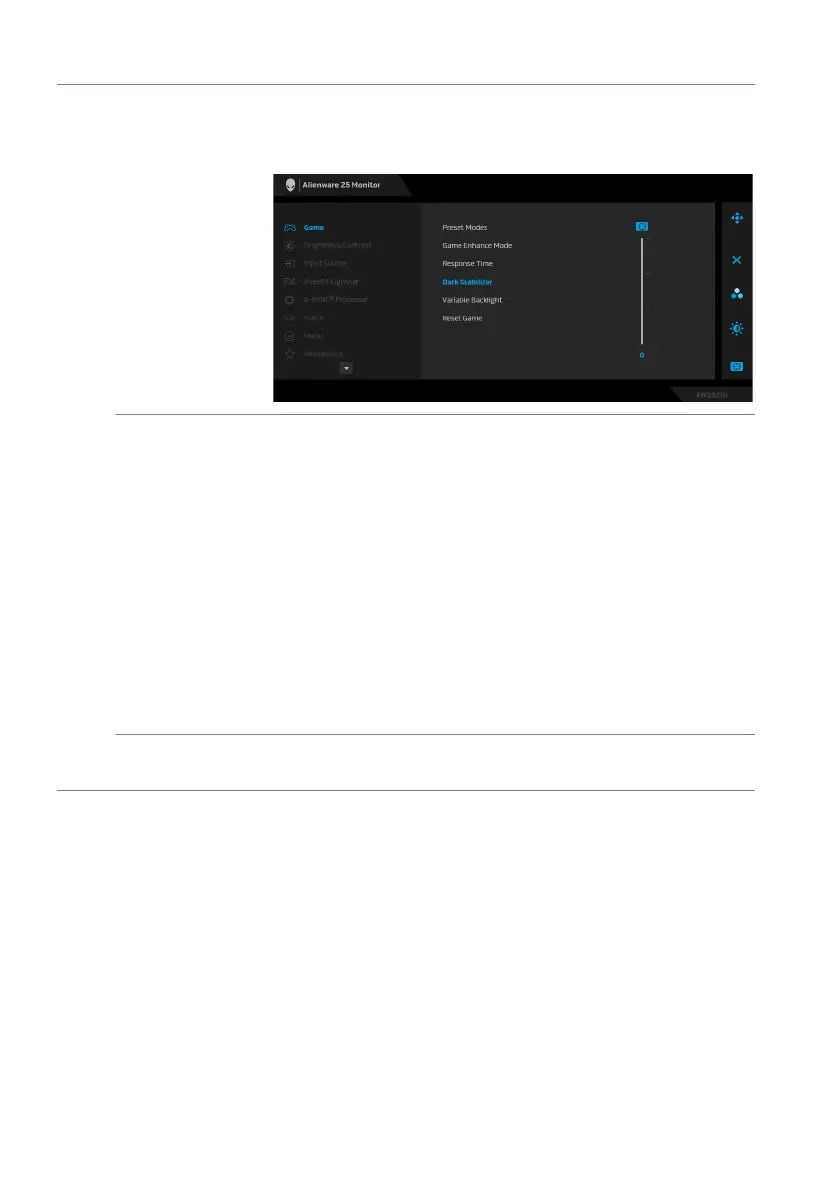
Dark Stabilizer The feature improves the visib
ility in the dark gaming
scenarios. The higher the value (between 0 to 3), the
better visibility in dark area of the display image.
Variable
Backlight
Allows you to enable backlight control by selecting a
preset mode to intelligently adjust the backlights.
• Mode
0: Ideal for gameplay. When the monitor is
processing the HDR content, this is the default
setting.
• Mode
1: Suitable for hybrid usage of playing games
and general desktop usage.
• Mode
2: Suitable for desktop usage, photo editing,
and so on.
• Off: W
hen the monitor is processing the SDR
content, this is the default setting; When HDR
content is displayed, the option is disabled.
Reset Game Resets all settings under the Game menu to th
e factory
defaults.















 To Next Page