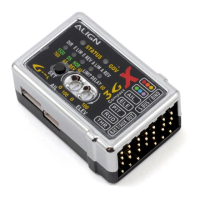
APS-M Firmware Update Procedure
APS-M
1. Please turn on transmitter and press power button to power on multifunction drone. Please
refer below image to finish connection of PC and APS-M.
請按壓電源鍵啟動多軸機電源,請參考下方圖示完成電腦與 APS-M 的連線。
2. Please go on the Align website/ Download/ APS-M Multicopter Control Unit/ APS-M Firmware
V2.3 Download - http://www.align.com.tw/download-en/apsm/ After the download is complete,
unzip the Zip file and open the update program.
請上亞拓官網 / 升級下載 / APS-M 多軸飛控系統 / 下載 V2.3 更新程式
http://www.align.com.tw/download/apsm/,下載完成後將 Zip 檔解壓縮,開啟更新程式
2



 To Next Page