
 Need help?
Do you have a question about the All American Prestige A3 and is the answer not in the manual?
Use the printer only for its intended purpose and avoid immersing it in water to prevent electric shock.
Do not disassemble; ensure supervision for users with reduced capabilities or children.
Connect the printer to power and turn on the system, monitoring the power light for readiness.
Perform a test to ensure the printer correctly feeds and ejects paper.
Properly install the waste ink bottle and connect the ink waste tube.
Fill ink reservoirs according to color labels and inject ink into cartridges using the provided injector.
Withdraw waste ink from the bottle using the injector and re-insert the waste ink tube.
Install the RIP software using the provided USB drive containing the key and downloadable folders.
Open ink box, switch on printer, and initiate head cleaning process via RIP software.
Perform nozzle check and test print; repeat cleaning if lines are broken.
 General
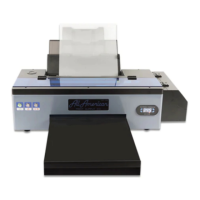
| Brand | All American |
|---|---|
| Model | Prestige A3 |
| Category | Printer |
| Language | English |

 To Next Page