27
2. RS340+CM301 to a Bluetooth® adapter connected to a Computer Serial
Port (Not for sale).
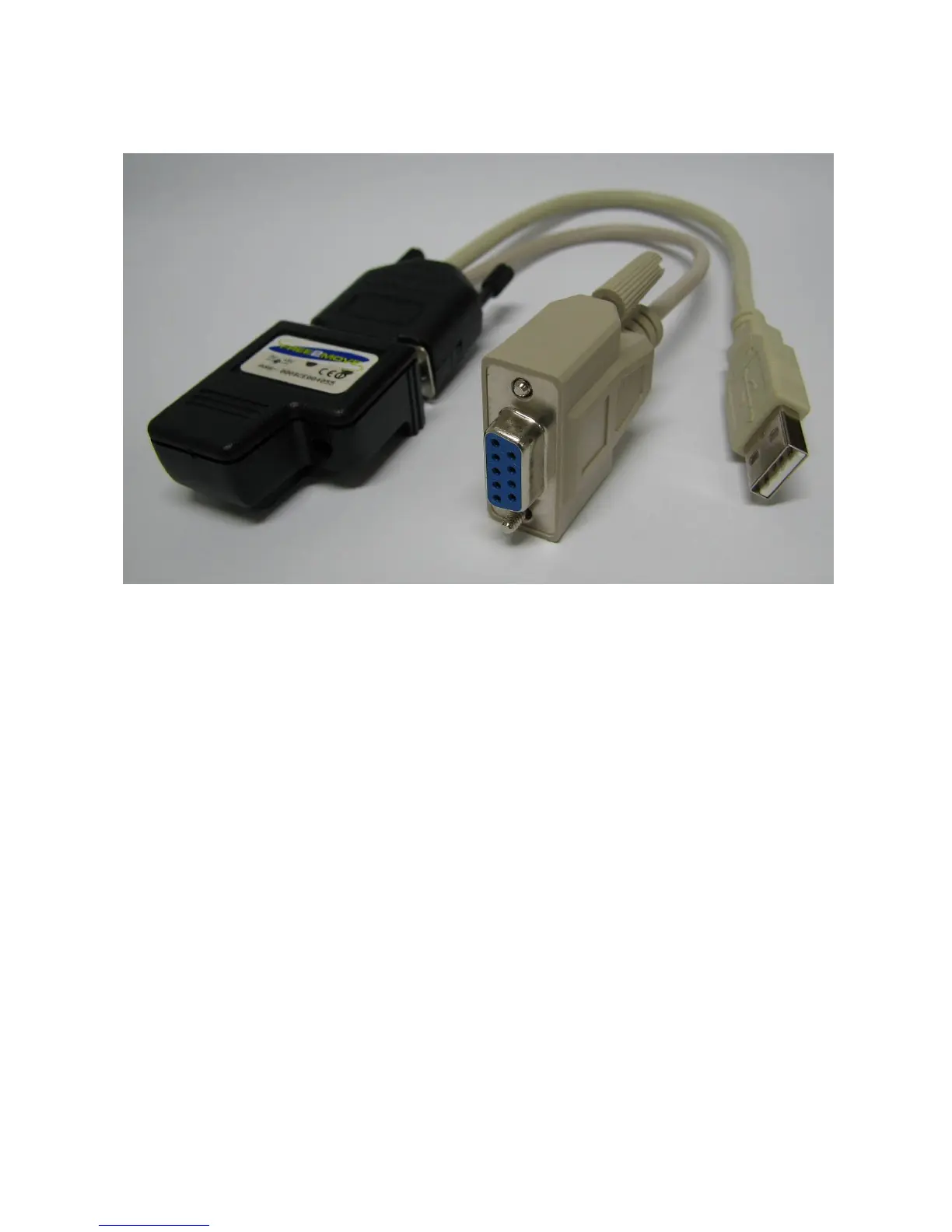
Under this scenario, a Bluetooth® adapter is used in the same manner as in the
previous scenario, however, as you will see the Bluetooth® Adapter cable is
different. This cable allows the adapter to be connected to the serial port of a
computer (using the DB9 connector) and also to receive power from the computer
(using the USB cable).
The reader Bluetooth® configuration is exactly the same as the previous scenario.
The software on the computer should be set to connect to the reader, via the serial
port as if there was a cable in place. This scenario also allows computers to be used
that are not Bluetooth® enabled.



 To Next Page