26
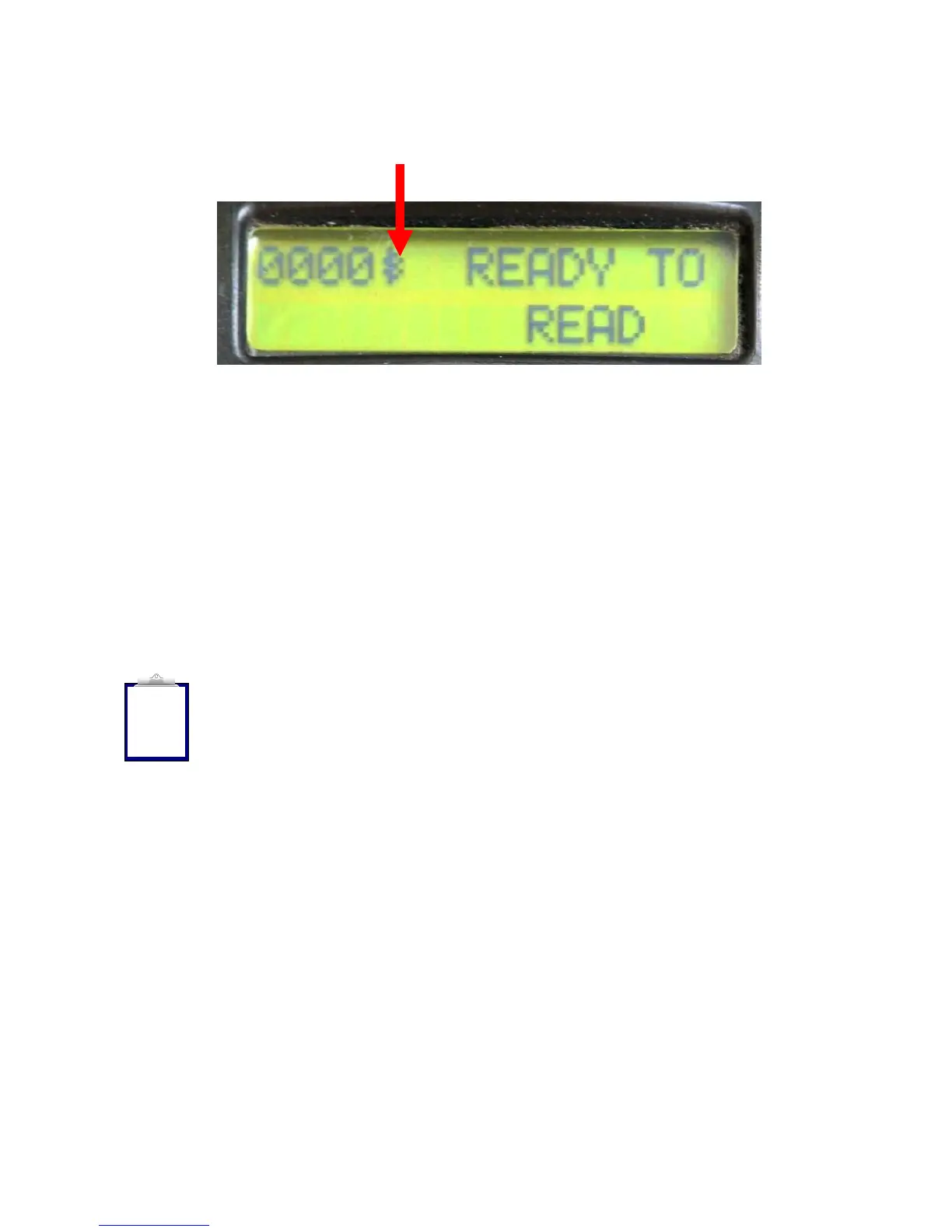
• A Bluetooth® symbol will appear next to the counter on the top left hand-side
of the stick reader display indicating it is connected. Data should now transfer
from the wand to the scale head when you scan a tag.
Note 20 - the Bluetooth® settings are saved in the WAND not the Bluetooth®
endcap. For example, if you configure a wand to talk to a specific Bluetooth®
receiver adapter, you can swap the Bluetooth® endcap on the reader and the system
will continue to work as expected. If you swap the wand however, the connection
will not work, unless you program the new wand to connect to the Bluetooth®
adapter attached to the scale head.
The settings are stored in the reader memory. The settings are NOT applied to the
CM301 Bluetooth® module until the module is fitted to the reader and it is powered
up. At this point the screen will say “Configuring Bluetooth® Module”
Note 21 - Because you have set the TIME ON setting to ALWAYS ON,
the only way to power the reader down is to unscrew the endcap and
allow the battery to momentarily detach.
i



 To Next Page