25
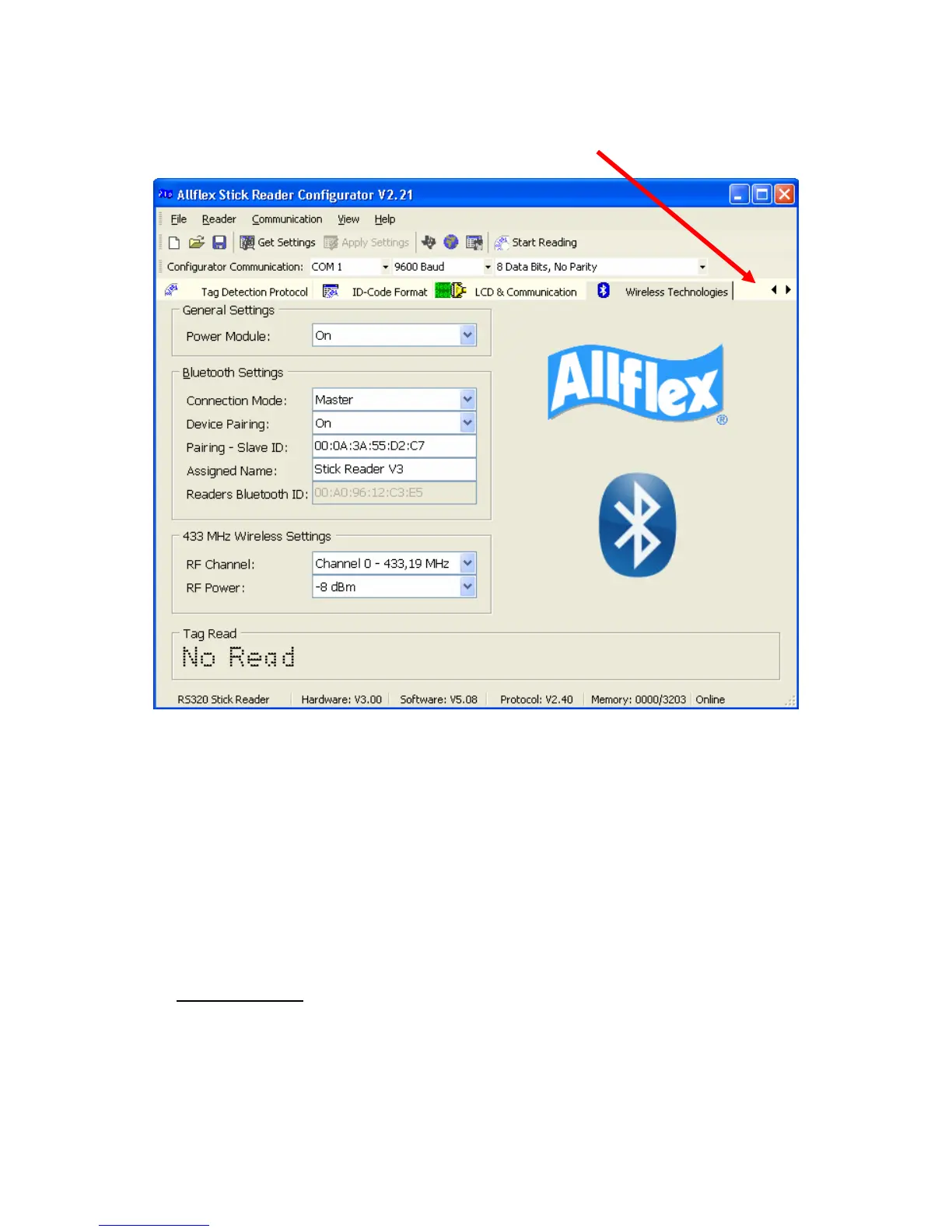
• Select the “Operational” Tab (if it is hidden on your screen, click on the left
arrow button which is to the right of the word “Wireless” on the “Wireless
Technologies” Tab.
• Change the TIME ON setting to be ALWAYS ON.
• Click on APPLY SETTINGS button. (Make sure the button turns grey – keep
clicking until it does turn grey)
• Detach the curly serial cable and unscrew the serial end cap off the reader.
• Attach the Bluetooth® End Cap and turn the reader on.
• You will see a message that the Reader is Configuring the Bluetooth®.
• If the message is very brief – power down and restart the reader.
• Make sure the Bluetooth® adapter is attached to the correct port of your scale
head (CON2 on a Tru-Test XR) Also ensure the XR is powered up.
• Note: If the Bluetooth® Receiver adapter is not plugged into CON2 on an XR
it will not work
as this is where it receives power.



 To Next Page