36
Connecting and Testing the Stick Reader Using HyperTerminal®
Step 1
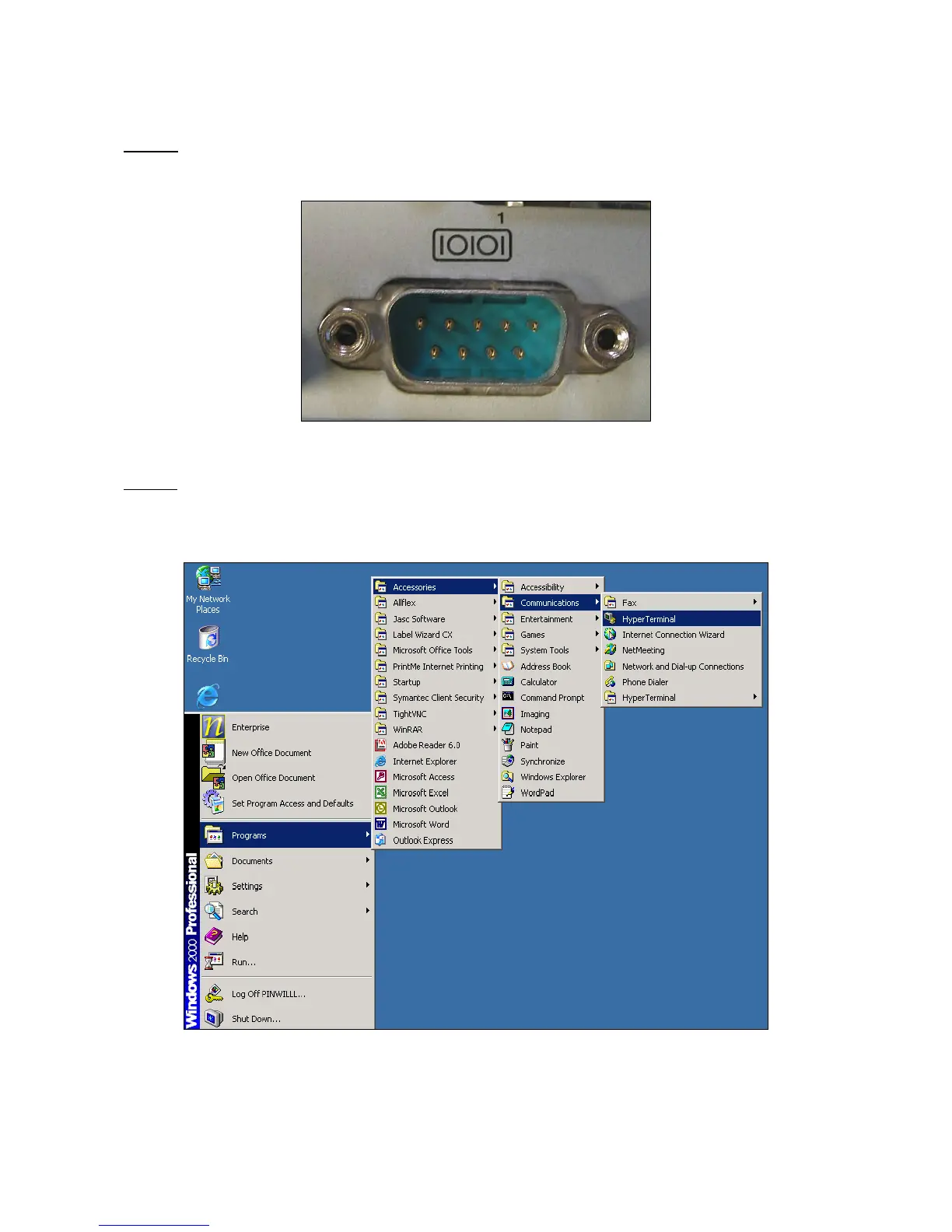
- Connect the serial cable to the computers COM port (COM1 is the most
common port used).
Step 1 – Connecting to COM port 1
Step 2
- Launch HyperTerminal® by going to the START button, then to Programs
then to accessories then to Communications and finally click on the HyperTerminal®
icon to launch the program.
Step 2 - Selecting The HyperTerminal® Program



 To Next Page