37
HyperTerminal® comes standard with most windows installation. It can also be
downloaded free from
http://www.hilgraeve.com/htpe/index.html
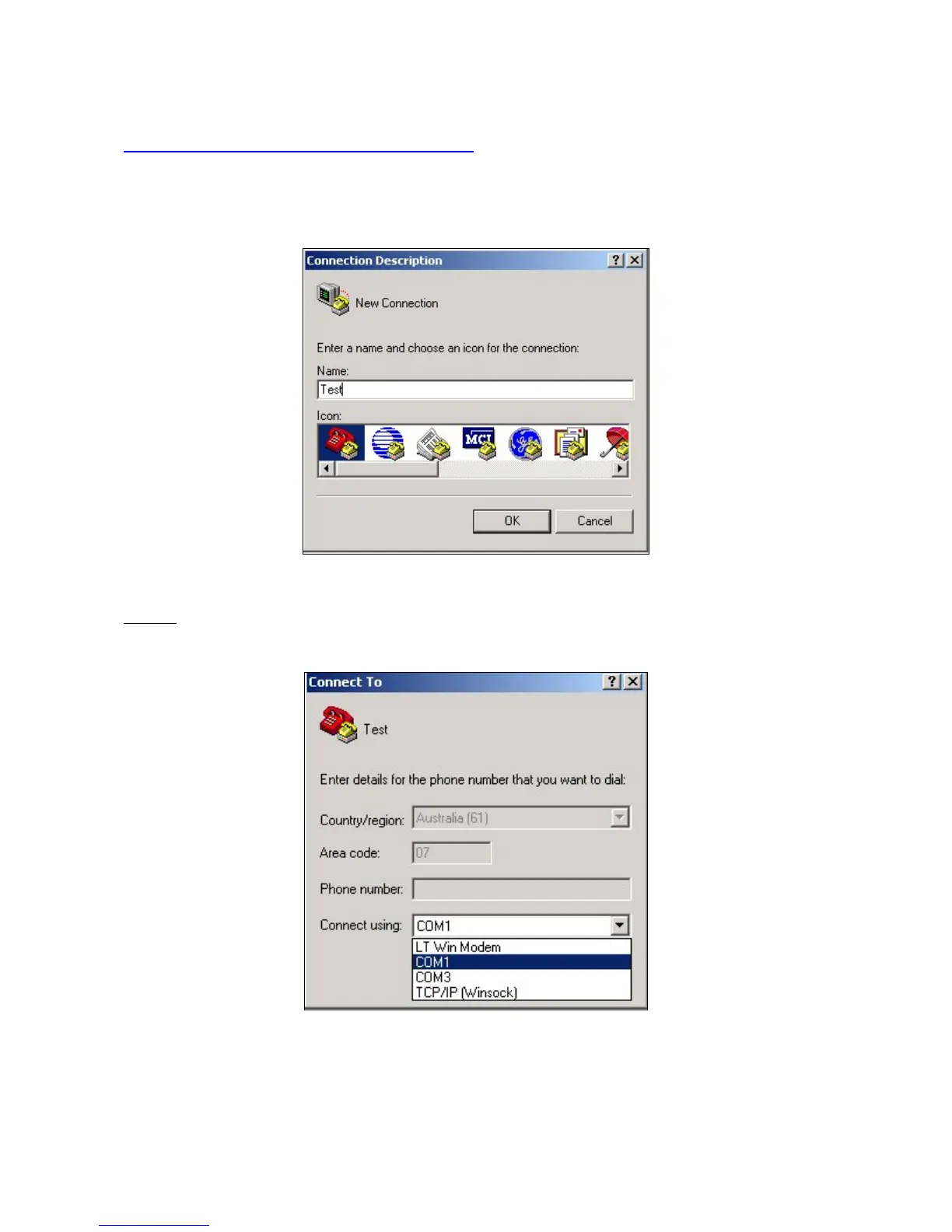
When HyperTerminal® has fully loaded you will be asked to input a name for your
new connection. We’ll call this connection “Test”.
Step 3 - Starting a new connection
Step 4
- Next, select the COM Port that your Stick Reader is connected to. On most
computers this will be COM 1.
Step 4 – Selecting the right connection



 To Next Page