982 00000115008
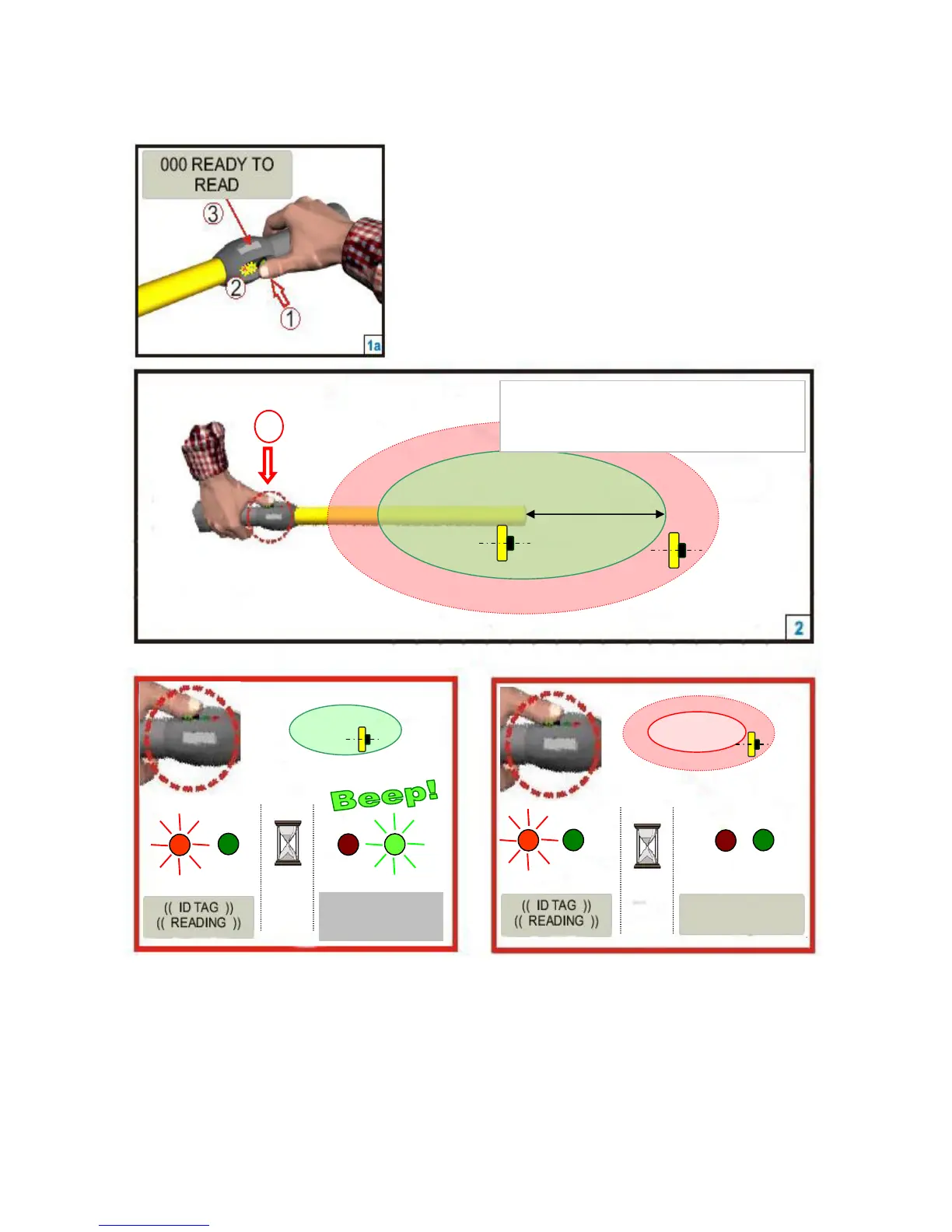
Step 3: Activating the RS340 Stick Reader and read test
Press the Green Button to “Wake Up” the
reader from Sleep Mode.
After the reader is awake – Press the button to
read a tag.
When the button is depressed, the red lamp will flash indicating that it is looking
for a tag. Keep the green button depressed and when a tag is detected, the green
light will flash and the reader will emit a beeping sound. The display will show
the Tag number and the Count.



 To Next Page