Page | 5
Once you have noted Serial Number of your device, connect it
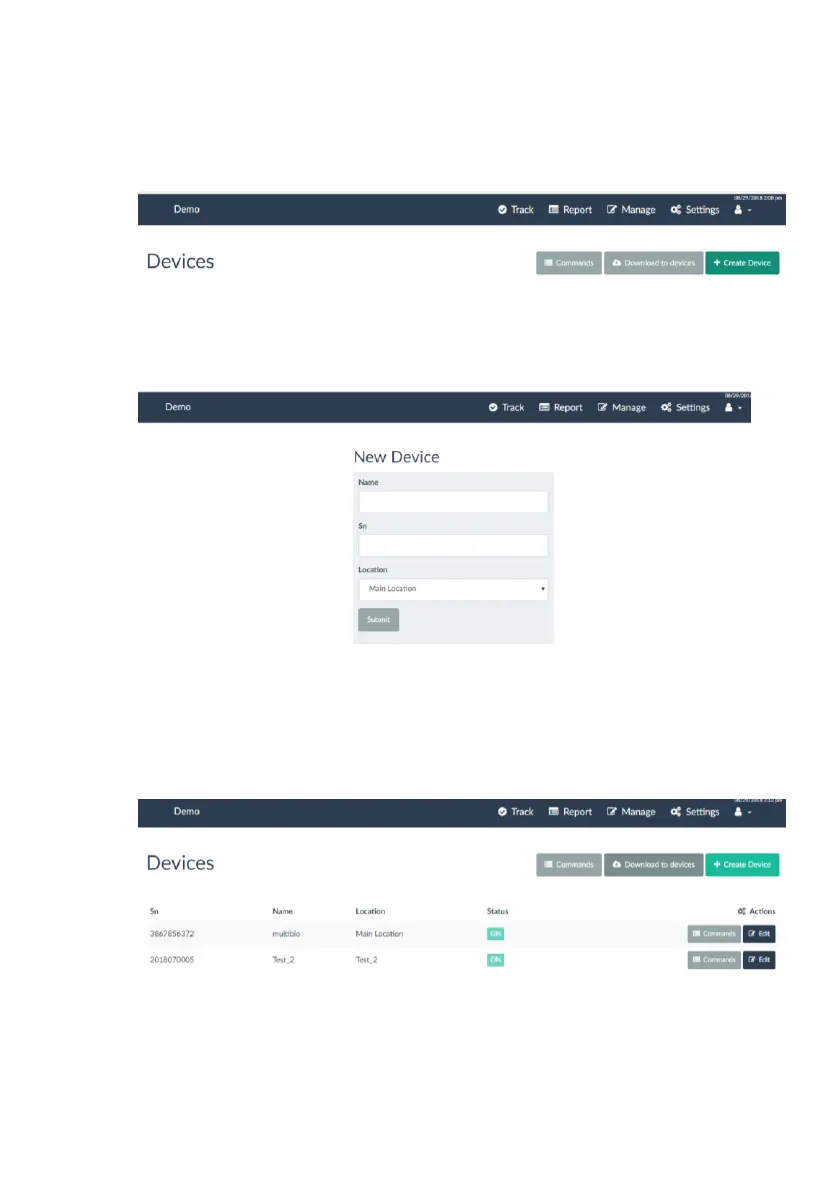
to your cloud based account: login to your online account, click on
Manage-> Devices, and select + Create Device.
Enter Device Name (anything you would like to call it), enter Serial
Number located previously, choose location and click on SUBMIT.
4. Transfer select Employees and Jobs to your device(s)
Login to your web based account, then select Manage->Devices and
click on Download to devices button.
Next, select the device you are downloading to, and select
employees that you want to be assigned to the device. Once



 To Next Page