Page | 6
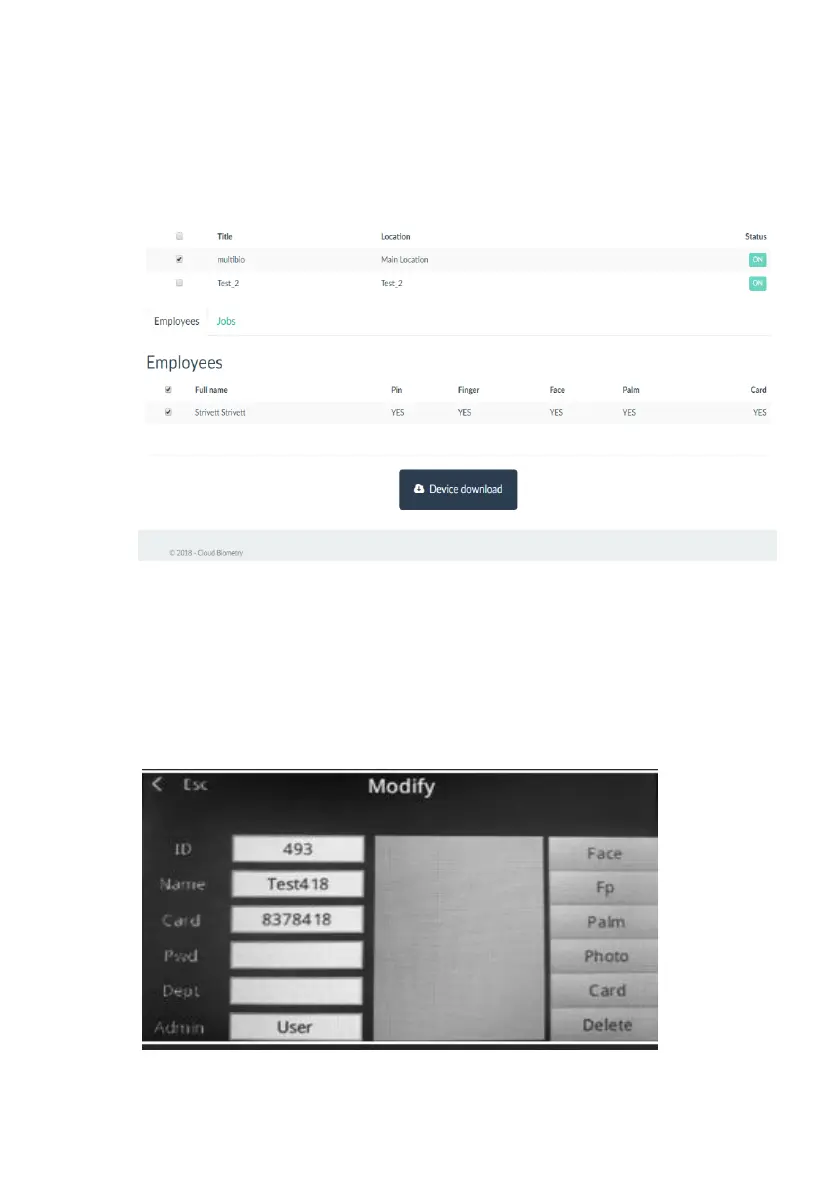
appropriate selections are made, click on Device Download button.
Perform the same procedure for downloading Jobs (simply click on
Jobs Tab to get to the jobs selection screen).
5. Enroll Employees on the device: create biometric and card profiles
Login to the device as an Administrator, then access setup Menu.
Choose User to display a list of downloaded employees, then select
employee you want to enroll. Modify screen will show all available
employee enrollment options on the right side.



 To Next Page