Allora 2
13
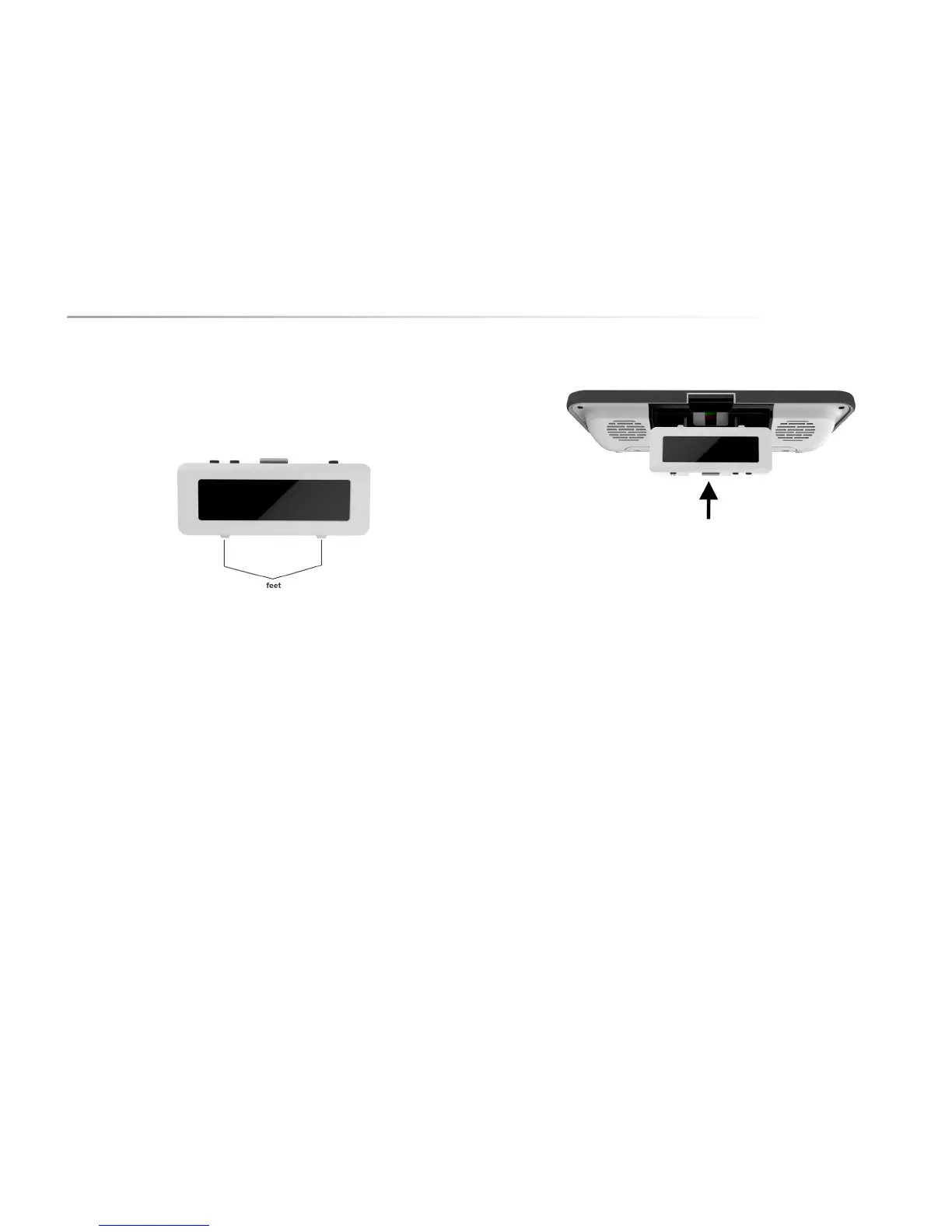
The second screen can be carried with a lanyard or it can be placed on a table
standing up on its two feet. These feet will also make sure that the second
screen is slightly sloping back and that the sound easily projects to the listener.
In order to have a reliable wireless connection you should maintain a distance of
about 10 feet between the 2nd display and the Allora.
To put the 2nd display back in the Allora: Take the display and push it with its
feet up into the compartment of the Allora as shown in the following picture. The
connection with the Allora is only complete when you hear a click


 To Next Page
 Loading...