Allora 2
17
5.2 Mute/Unmute key
Stop any sound from playing. This is helpful if you make a mistake.
5.3 Message key
The 'message' key is used to recall a stored message. Press the ‘message’ key
first and then press a figure or a letter. The message that is associated with this
key will then be called. This also applies to the combination:
• message key + Fn + figure or character,
• message key + Shift + figure or character,
• message key + Fn + Shift + figure or character.
To save a message under a key, first type the message, then press the
'message' key twice followed by the figure or the letter under which you
want to save the message. Then press 'confirm' or 'ignore' . You
can also use the following combinations as locations to save a message:
• Fn + figure or character,
• Shift + figure or character,
• Fn + Shift + figure or character.
5.4 Sound key
The 'sound' key is used to play stored sounds or recordings. Press the ‘sound’
key first, and then press a figure or a letter to the play the associated recording.
This also applies to the combination:
• sound key + Fn + figure or character,
• sound key + Shift + figure or character,
• sound key + Fn + Shift + figure or character.
Pressing the sound key twice will make the ‘attention’ sound.
For more information on how to make recordings see“Making recordings” on
page 29.
5.5 Arrow key (up)
Move the cursor one line up, or in combination with the Fn key: increase the
volume.
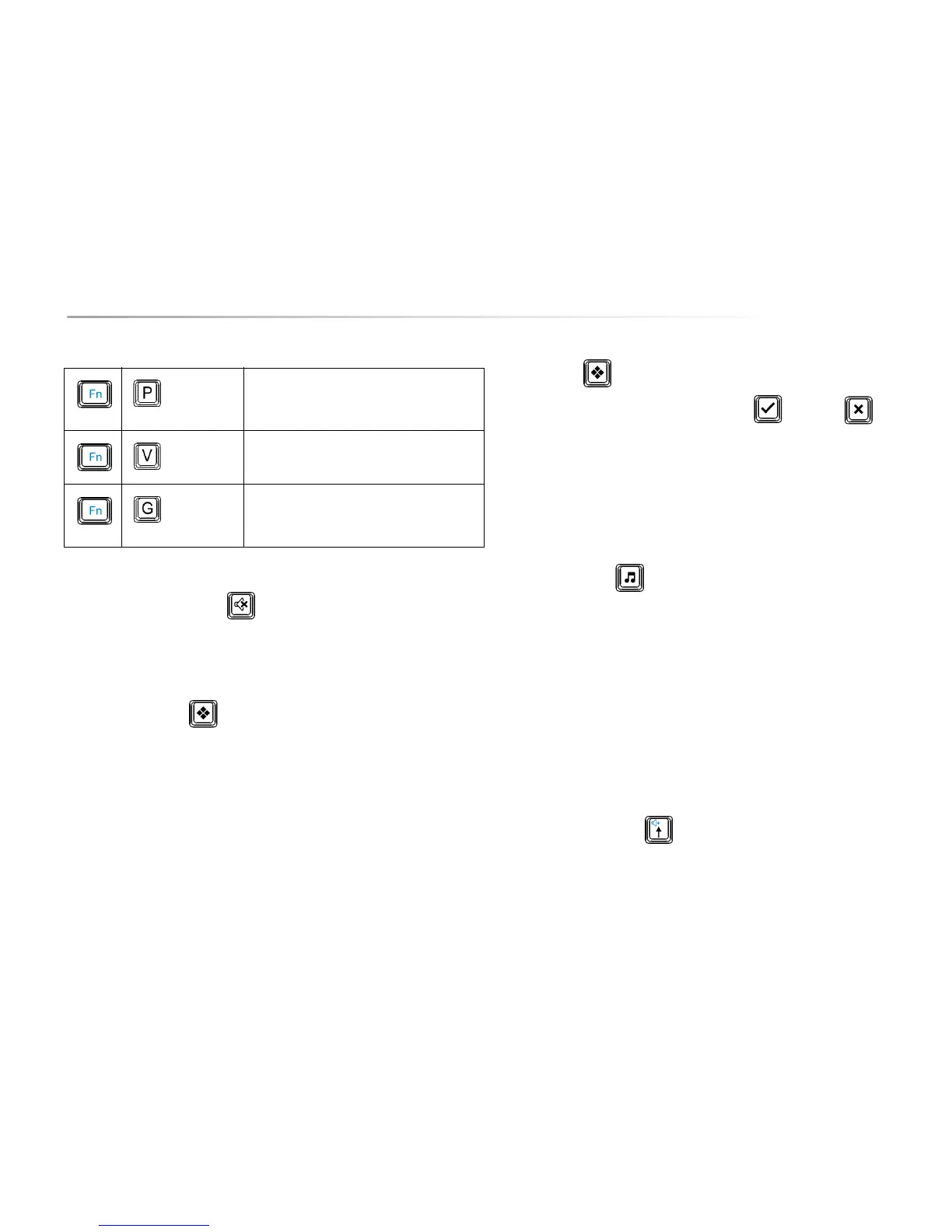
Switch between word prediction, sentence
prediction and no prediction. This setting is stored
until it is changed again
Show the Allora battery status, the 2nd display
status and the version of the firmware.
Show the telecom provider, the signal strength of
the phone operator (texting only) and the free
memory for text messages.
Table 1: Function Key Combination


 To Next Page
 Loading...