Allora 2
21
6 - Connectors and indicators
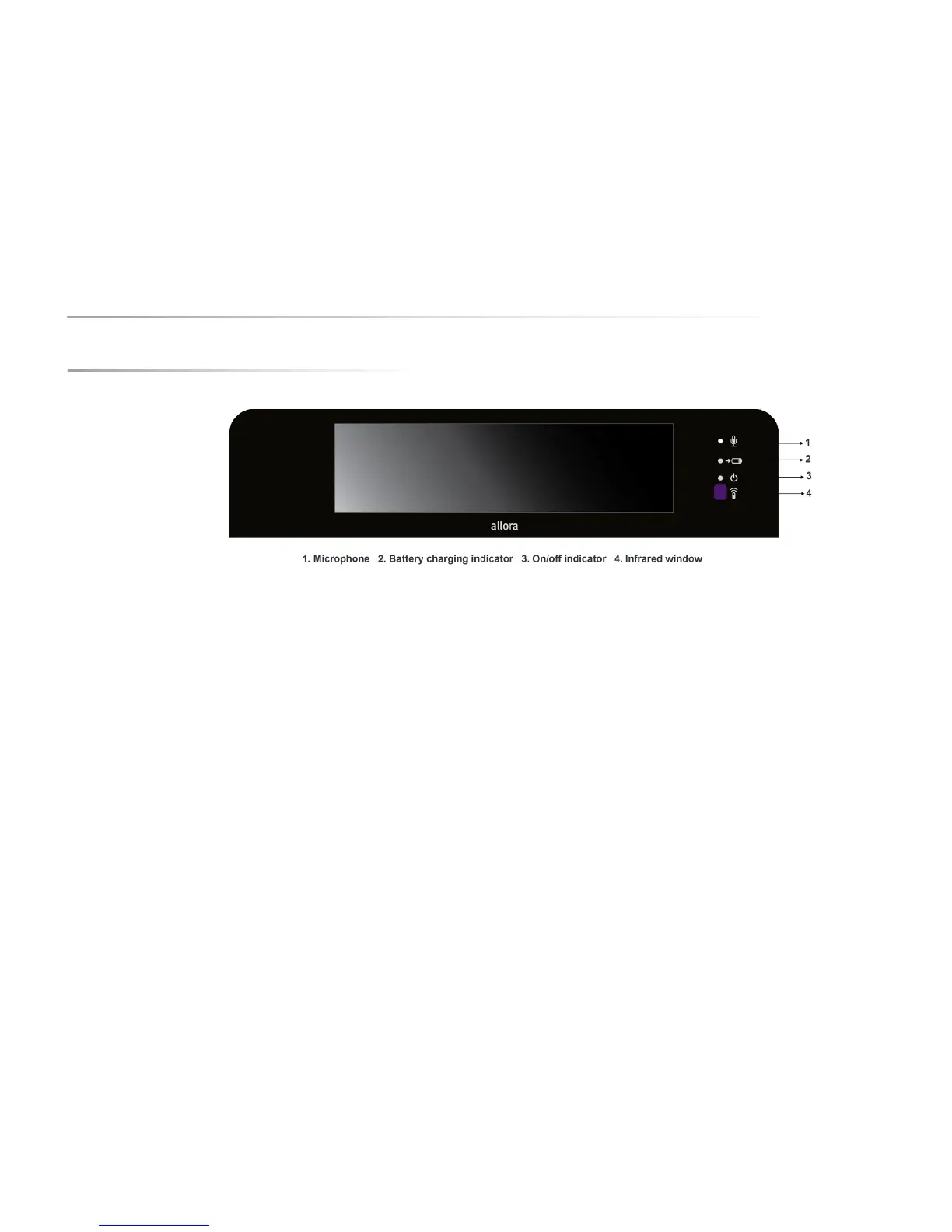
6.1 Front
6.1.1 Microphone
The integrated microphone is used to create high-quality recordings. You do not
need to come close to the microphone during recording. Keep a distance of
about 20 cm and speak at a normal volume.
6.1.2 Battery charge indicator
The 'battery charging' indicator lights up as soon as the main adaptor of the
Allora is connected to the wall socket. While charging the indicator turns orange.
The indicator turns green as soon as the battery is fully charged. Do not use any
other power adapter than the one that came with the Allora.
6.1.3 On/off indicator
The on/off indicator indicates the operating status of the Allora. The indicator
does not light up when the Allora is completely turned off.
However, the Allora can be in a sleep state (standby mode). In that case the on/
off indicator lights up every 4 seconds indicating its readiness to communicate
when you need it.
When switched on and during the startup process, the power indicator blinks.
This can take about 25 seconds. The on/off indicator remains lit as soon as the
startup process is finished and the Allora is ready to use.
It is not recommended to detach the 2nd display from the Allora or to attach the
2nd display to the Allora during the start up procedure. You should wait to do
this until the device is completely started up or while the Allora is in standby
mode.
If the power indicator is flashing red when you are pressing the On/Off key to
turn on the device, this means that the battery requires charging.


 To Next Page
 Loading...