Allora 2
27
8 - Allora applications
The Allora supports different applications. Depending on the provided options
and user rights the applications can be:
• New Message (option): to write a new text message
• Read Message (option): to read a text message
• Recording: to make a sound recording
• IR environmental control
• Address book (option)
• Notes: to make notes
• Communication: basic application
8.1 Communication
The basic application of the Allora is to write and pronounce messages in a face
to face situation. The Allora will always start up with this application. If you are
working in another application or if you have been adjusting the settings of the
Allora, pressing the application key will bring you back to the basic
Communication application.
To form a message simply type your message on the keyboard of the Allora.
You can select one of the words that appear in the word prediction list (in the
lower part of the screen) by selecting the corresponding figure, 1 to 5. There are
never more than 5 words in the list.
When using sentence prediction, press the key with figure 1 to select the
predicted sentence. Press 2 to show the next sentence, if available.
To form numbers, press and hold the figure keys a bit longer until they appear
on the screen.
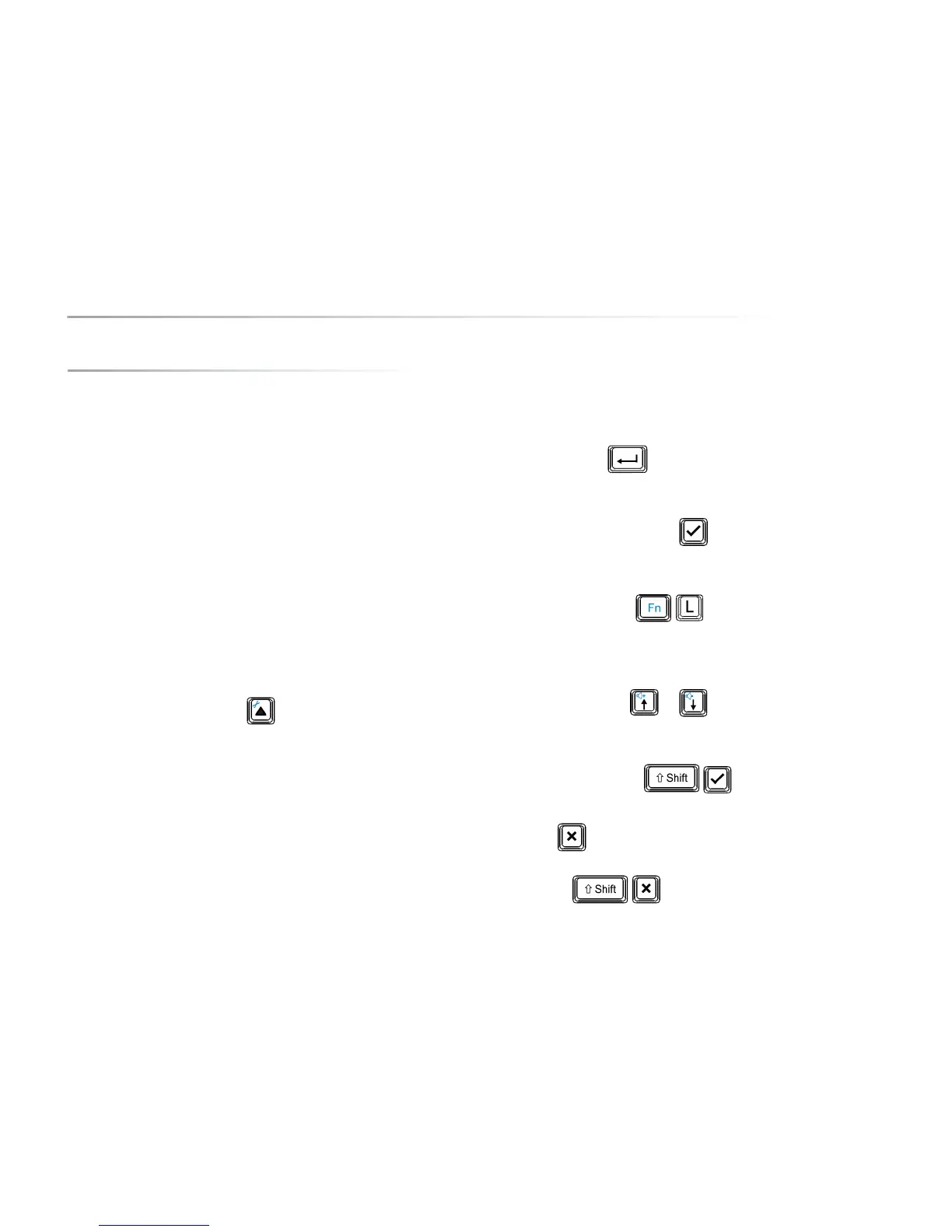
Press the Enter key to type a new line and to pronounce the message.
If you don’t want the Enter key to initiate the pronouncing of the message,
switch off the Enter echo in the speech parameters.
You can also use the Validate key to pronounce the message that is
located at position of the cursor.
Use the key combination to increase the character size.
You do not have to remove the message to write a new message. You can keep
the messages of your conversation and navigate back to one of them any time
by using the arrow keys or Press the 'validation' key to speak out
the chosen message.
Press the key combination to pronounce all the messages.
Press the key to clear all messages. If you delete the messages by
mistake, you can retrieve the deleted messages by pressing the key
combination .


 To Next Page
 Loading...