Allora 2
31
8.4 Environmental control (optional)
If your Allora is equipped with an ECU (Environment Control Unit) then you can
use the Allora to transmit infrared codes to control other devices eg a television,
CD-player or even lights, doors and windows. This will only be possible if they
support infrared control and if the infrared codes can be recognized by the ECU
of the Allora.
8.4.1 How to record the infrared codes
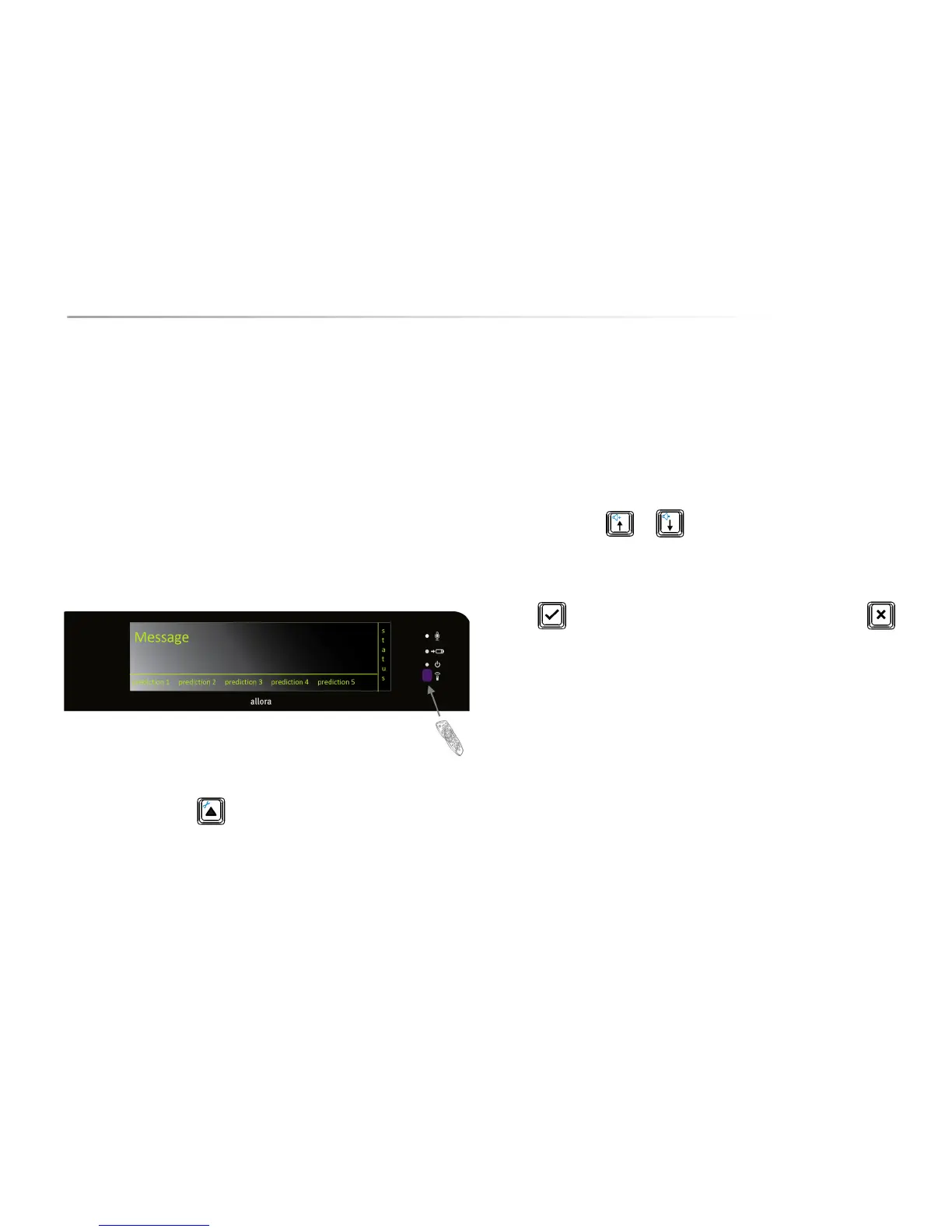
At the right-hand side of the screen and below the on/off indicator you will find a
purple window. This is the window through which the Allora will record the
infrared codes. Note that some devices have complex infrared coding. If this is
the case it may be possible that the codes cannot be learned.
Press the Application key to display the available applications. Choose
Environmental control and press the Enter key.
You can now choose from:
1. Send
2. Learn
3. Backup (via USB)
4. Restore (via USB)
Press 2 to select Learn.
You will get a list of the available locations (commands) that can hold a infrared
code: gw1 .. gw150
Use the arrow keys or choose one of the commands and press the
Enter key to start the learning procedure:
First of all you will be asked if you want to overwrite the existing command.
Press if you agree to overwrite it and to learn a new code. Press if
you do not want to do this.
Place the remote control of the device that you want to learn an infrared code
from, at about 2 inches from the purple window and press the key on the remote
control of the command that you want to learn. Hold this key until the Allora
indicates for you to release it.
The Allora will ask you to repeat this. So press and hold the same key for a
second time until the Allora indicates for you to release it again.
You will now be able to give the command a specific name, volume up, TV on…
Preferably you would choose a short name that describes the command.


 To Next Page
 Loading...