Allora 2
32
8.4.2 Transmitting infrared codes.
Press the Application key to display the available applications. Choose
Environmental control and press the Enter key.
You can now choose from:
1. Send
2. Learn
3. Backup (via USB)
4. Restore (via USB)
Press 1 to select Send.
You will get a list of the available locations (commands) that can hold a infrared
code: gw1 .. gw150. Some of the commands might have been given another
name during the learning procedure.
Use the arrow keys or to select the command that you want to
execute and then press the Enter key . The infraredcode will now be
transmitted.
To 111 of the 150 Gewa commands there is also a key or a key combination
associated with. Therefore, if you know the key or the key combination you can
type it directly.
8.5 Send and receive text messages
The Allora can be equipped with a GSM module allowing you to transmit and
receive text messages from another person. If your Allora is equipped with this
module the application must be initialized before you can use it. To do this,
complete the following 3 steps: install the SIM card, enter the corresponding PIN
code and finally make the connection with a telecom provider.
8.5.1 Installing the SIM card
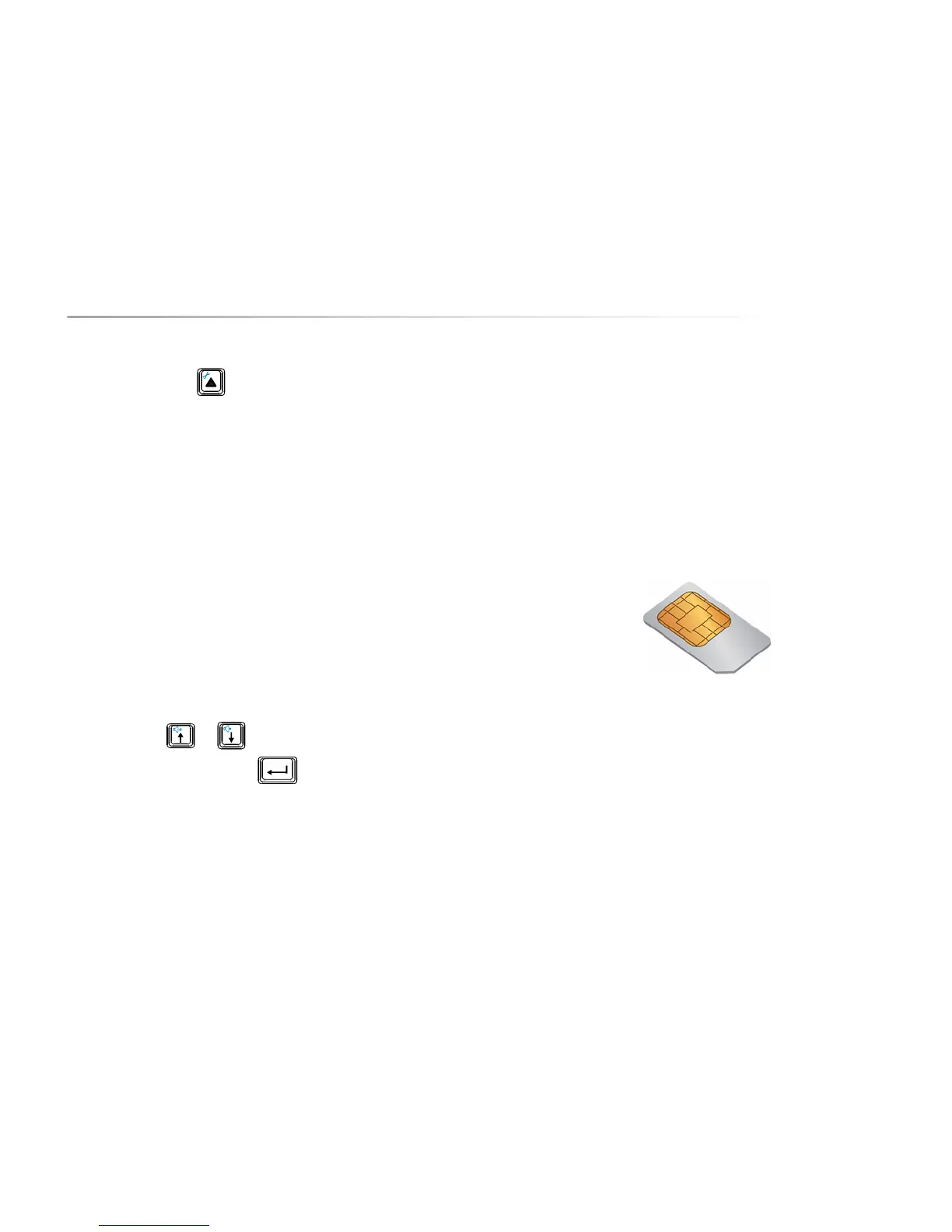
The SIM card is a small chip card you need to put into the Allora in order to be
able to use the GSM module.
The SIM card is located in the battery compartment of the Allora.
Press and hold the on/off key for about 5 seconds to fully switch off the unit.
Ensure that the Allora is not connected to the mains.
Place the Allora face down on a soft surface so that the screen cannot be not
damaged.
Unscrew the screws with a Torx TX 10 screwdriver. Tilt the battery cover from
the screw holes away from the enclosure. The battery is now visible and can be
removed from the appliance.
The following picture shows you the location of the SIM card.


 To Next Page
 Loading...