Allora 2
41
10 - Overview of the menu and different settings
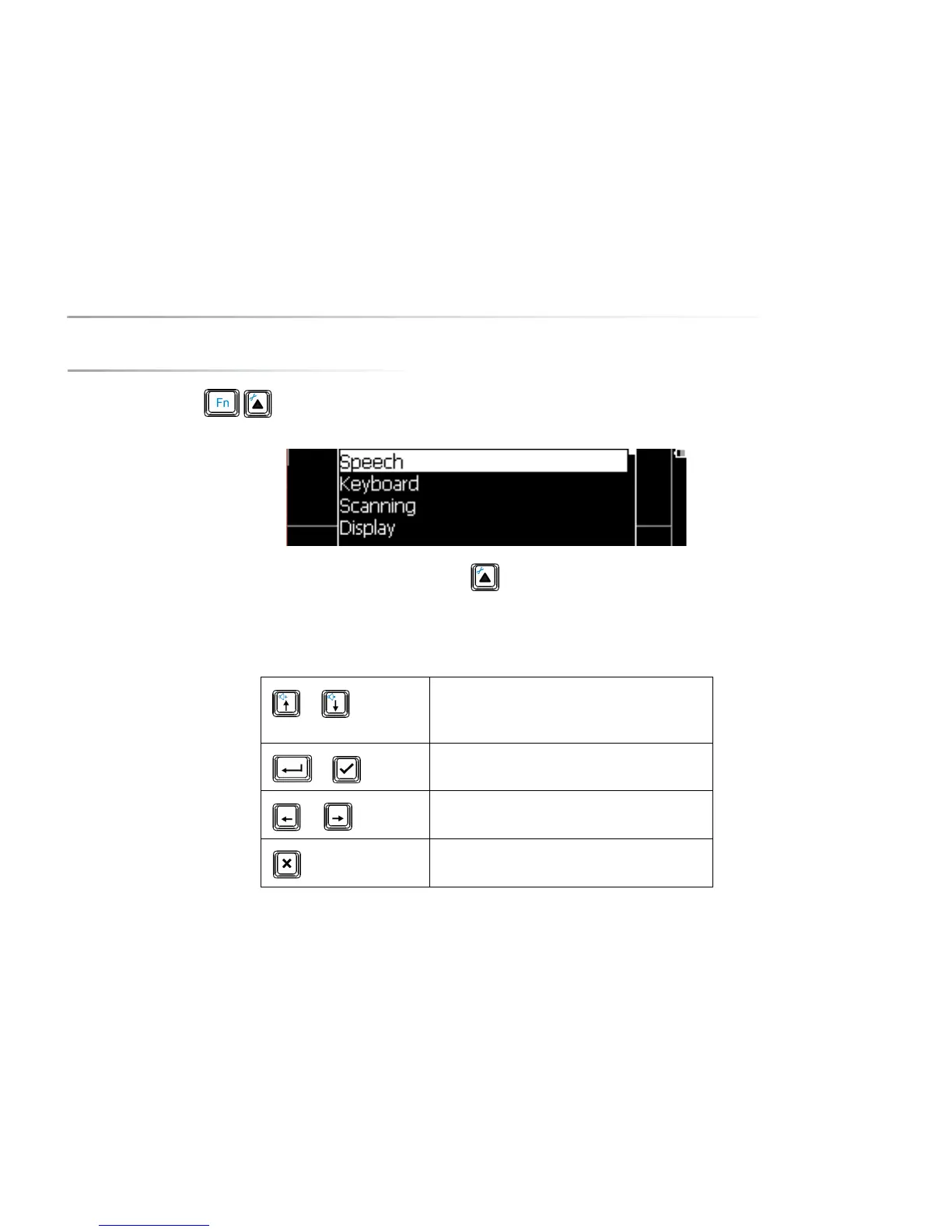
Press the key combination to open the settings menu of the Allora. The following list appears on the screen:
You can leave the settings menu at any time by pressing on the Application key .
The following overview explains the different keys you can use to change the parameters:
or
To navigate in the list of the displayed parameters or
sub menus.
or
To select a submenu.
or
To change the value of a parameter.
To leave a submenu



 To Next Page