Allora 2
42
10.1 Speech
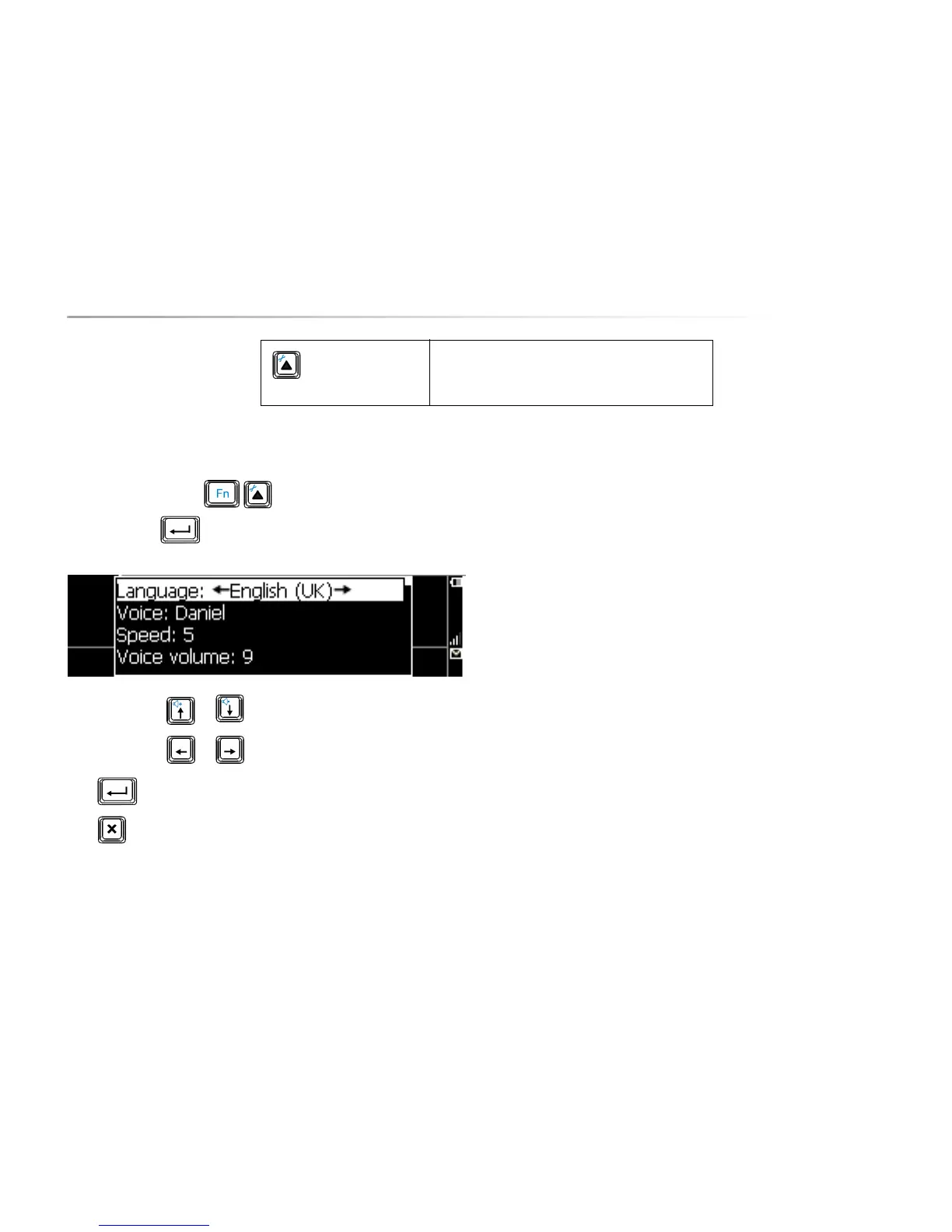
Press the key combination to show the settings menu, choose
Speech and press . The following list appears on the screen:
Use the arrow keys or to choose a parameter.
Use the arrow keys or to change the value of a parameter.
Press to open a submenu, if available.
Press to leave a submenu.
The following overview explains the different parameters::
10.1.1 Language
Choose between the different languages that are available on your
Allora.
10.1.2 Voice
Choose between the different voices that are available for a specific
language.
10.1.3 Speed
Define the speech rate. The higher the number, the higher the
speech rate.
10.1.4 Voice volume
This is the volume of the selected voice. This volume may vary
depending on the language, the voice and the applied voice
technology. This volume should be set only once. Value 7 is a good
choice. You can increase this volume if really necessary. In some
cases this can lead to distortion of the voice.
To return to the Communication application and
apply changes.


 To Next Page
 Loading...