Allora 2
43
10.1.5 General Volume
This is the volume setting of the Allora. This parameter can also be
changed be means of the key combinations , to raise the
volume, or to lower the volume.
10.1.6 Character echo
When this parameter is set, the Allora pronounces each character that is typed.
10.1.7 Word echo
When this parameter is set, the Allora pronounces each word that is typed (after
a space has been selected).
10.1.8 Enter echo
A typed message will be pronounced at the moment that you press the Enter key
. When deactivated, you still can use the Validate key to
pronounce the message where the cursor is located.
Use the key combination to pronounce all messages that
were typed after a clear screen command .
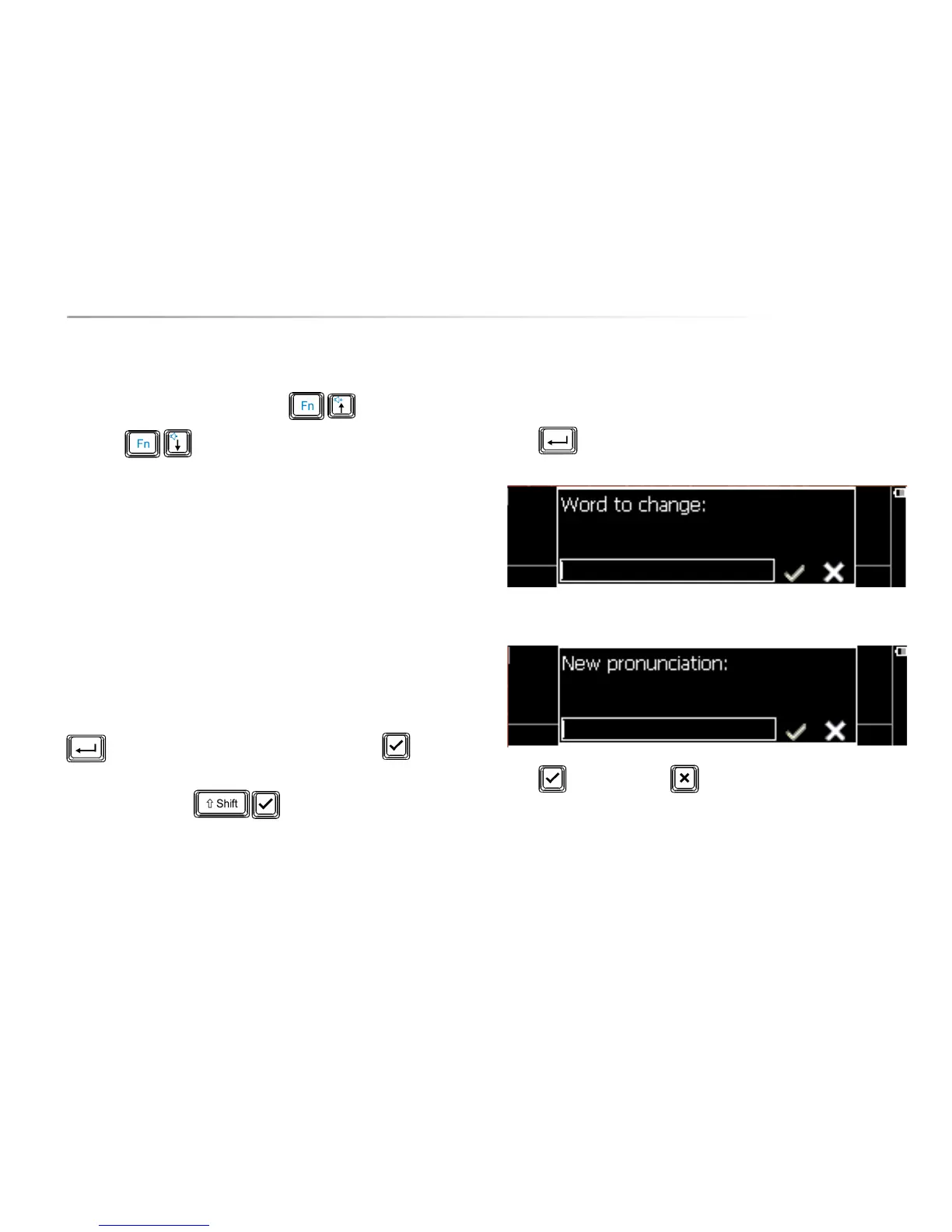
10.1.9 Add pronunciation
In case a particular word is not pronounced correctly, you can add it to a
pronunciation dictionary in the Allora.
Press to add a word:
Then rewrite the word in such a way that it results in a better pronunciation.
Press to acknowledge or to discard.


 To Next Page
 Loading...