EasyManua.ls Logo

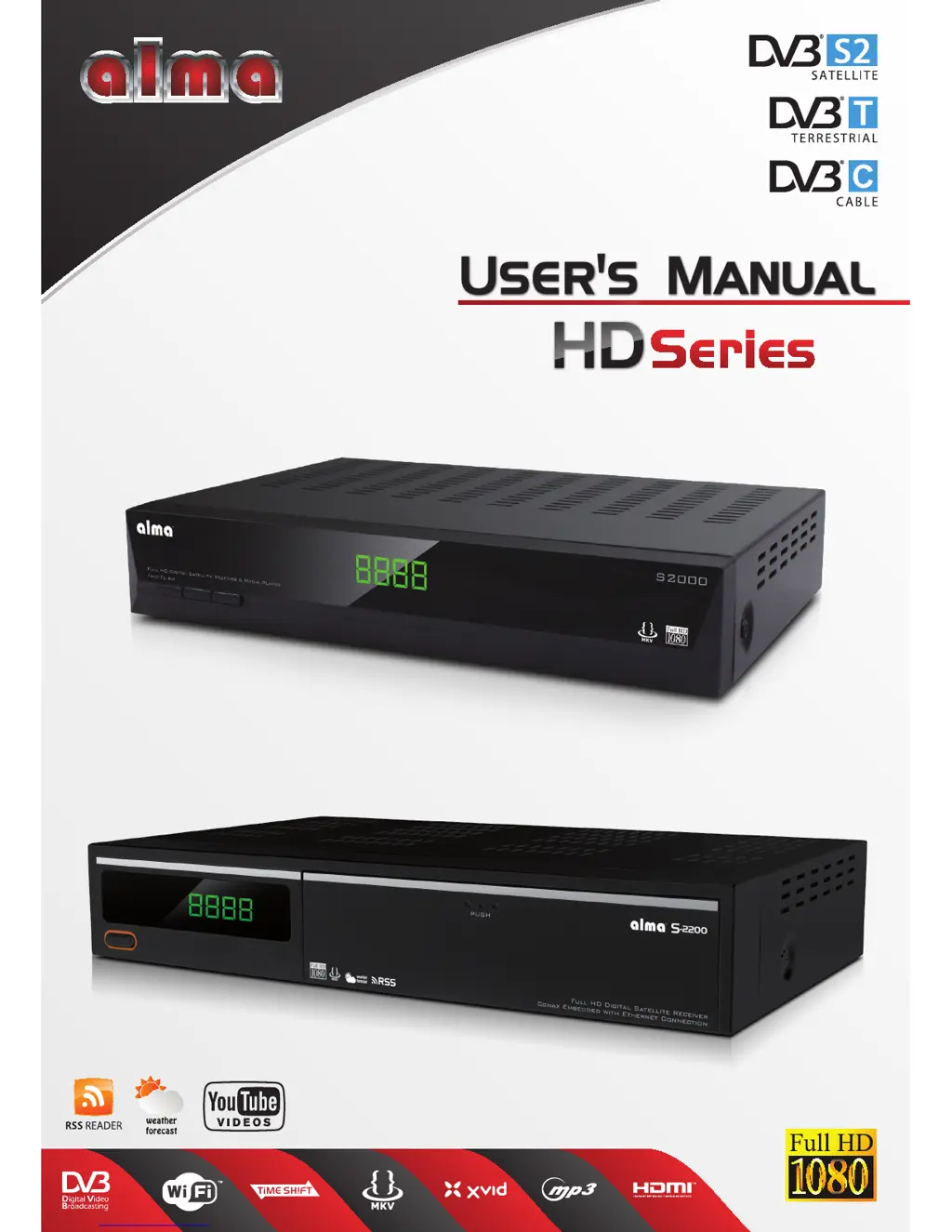
Alma S2000 Series - User Manual

Alma S2000 Series
20 pages
Print Icon
To Next Page IconTo Next Page
Loading...
TM
Users ManualUsers Manual
HDHD

Questions and Answers

  • M
    Michele WilliamsJul 31, 2025
    What to do if there is no sound or picture on my Alma Receiver?
    • S
      Shelley AndersonJul 31, 2025
      If there's no sound or picture, the satellite dish might not be correctly aligned with the satellite, resulting in a weak or absent signal. To resolve this, try the following: * Adjust the dish. * Check the signal level in the Antenna Setup menu. * Inspect the cable connections, LNB, and other equipment between the LNB and the receiver.
  • A
    Alexis JohnsonAug 6, 2025
    Why is my Alma Receiver showing a bad picture or blocking error?
    • B
      Brandy GeorgeAug 7, 2025
      A bad picture or blocking error can occur for several reasons: * The satellite dish isn't pointed correctly. * The signal is too strong. * The satellite dish is too small. * The LNB noise factor is too high. * The LNB is faulty. Here are some suggested solutions: 1. Adjust the dish. 2. Connect a signal attenuator to the LNB input. 3. Change to a larger dish. 4. Change to an LNB with a lower noise factor. 5. Change the LNB.
  • S
    Samantha JimenezAug 12, 2025
    How to fix an Alma Receiver remote (RCU) that is not working?
    • R
      Robert HarrisAug 13, 2025
      If the RCU (remote control unit) isn't working, it could be due to exhausted batteries or incorrect aiming. Try these solutions: * Change the batteries. * Aim the RCU at the receiver, ensuring nothing is blocking the front panel.
  • D
    Donald FoxAug 18, 2025
    What to do if my Alma Receiver has no sound or picture but the front panel shows a red light?
    • N
      Nicole BranchAug 18, 2025
      If you're experiencing no sound or picture, but the front panel displays a red light, the receiver is likely in standby mode. To resolve this, simply press the standby button.
  • A
    Alejandro MccallAug 25, 2025
    How to fix the display on the Alma Receiver when it doesn't light up?
    • M
      michelle06Aug 26, 2025
      If the display on the front panel isn't lighting up, the main cable might not be connected properly. Check that the main cable is securely plugged into the power socket.

Summary

Product Overview and Features

Safety and Handling Guidelines

Essential safety warnings for operating the device and preventing hazards.

Unpacking and Basic Operation

Guide to unpacking the receiver and basic usage instructions.

Remote Control and Rear Panel

Overview of the remote control functions and rear panel connections.

Installation and Connectivity

Connecting to TV via SCART and RCA

Instructions for connecting the receiver to a TV using SCART or RCA cables.

Connecting to Audio Systems

Steps for connecting the receiver to an audio amplifier for enhanced sound.

Main Menu and Functional Sections

Channel List Editing and Management

Managing TV/Radio channels: editing, sorting, locking, skipping, and deleting.

Satellite Reception Setup and Tuning

Configuring satellite dish, LNB, searching for satellites and transponders.

Cable and Terrestrial Broadcasting Setup

Performing auto or manual searches for cable and terrestrial broadcast channels.

System Configuration and Personalization

Setting up language, TV system, display, time, parental controls, and other preferences.

Device Utilities, Upgrades, and Media

Accessing system information, factory settings, software upgrades, and media playback.

Games and PVR Recording Features

Accessing built-in games and configuring personal video recording (PVR) features.

Troubleshooting Guide

Common Problems and Solutions

Solutions for common issues like no display, no sound, picture errors, and RCU problems.

Technical Specifications

Hardware and Performance Details

Detailed specifications for CPU, memory, tuners, video/audio decoding, and input/output.

Environmental and Physical Attributes

Information on power input, consumption, operating temperature, humidity, and dimensions.

Alma S2000 Series Specifications

General IconGeneral
Flash Memory8 MB
Tuner TypeDVB-S2
DemodulationQPSK, 8PSK
Conditional AccessConax Embedded
DiSEqC1.0, 1.1, 1.2, 1.3 (USALS)
Video Resolution1080p
ConnectivityHDMI, USB, Ethernet